
Best Label Printing Software for Businesses: TOPSALE vs BarTender, NiceLabel & ZebraDesigner
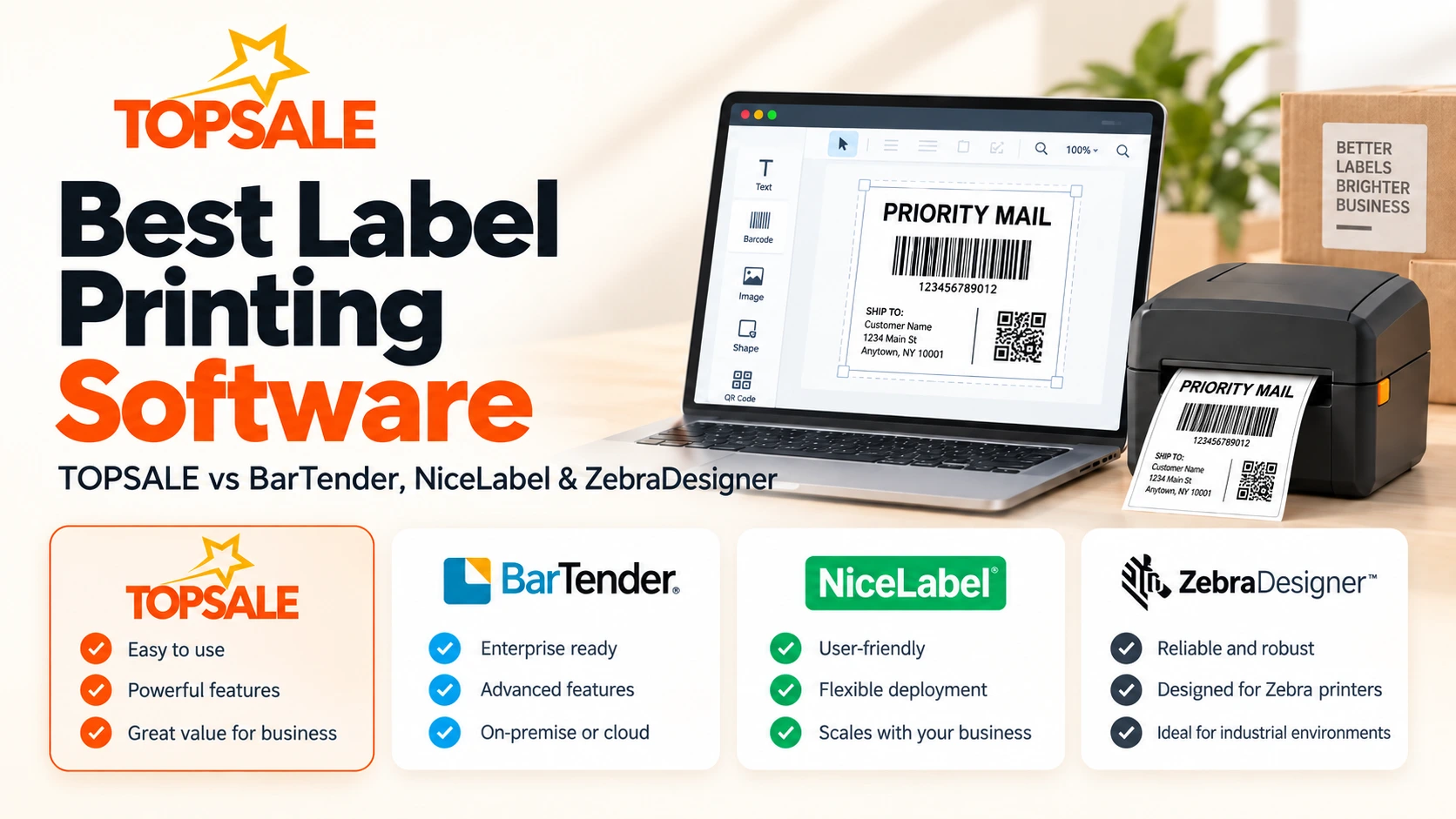
Choosing the best label printing software depends less on which product has the longest feature list and more on how your business actually prints.
A retailer printing barcode and price labels from Shopify has very different requirements from a multinational manufacturer managing regulated labels across multiple sites. A warehouse may simply need to import Excel data and print hundreds of unique labels, while an enterprise may need approval workflows, centralized governance, RFID, database integrations and audit controls.
This guide compares four approaches:
- TOPSALE
- BarTender
- Loftware Cloud / NiceLabel
- ZebraDesigner
Each platform serves a different type of labeling workflow, so there is no single winner for every organization.
| Software | Best For | Label Design | Data & Integrations | Printing Approach | Typical Fit |
|---|---|---|---|---|---|
|
TOPSALE
Browser-to-Printer |
Browser-based printing connected to business workflows | Cloud / browser label designer | Excel / CSV, Odoo, Shopify and developer SDK | TOPSALE → TopBridge → local or network thermal printer | Retail, ecommerce, warehouses and SME operations |
| BarTender | Advanced and enterprise labeling | Advanced label design and template management | Databases, ERP connectors and business systems | Cloud or on-premise enterprise printing | Manufacturing, logistics and regulated enterprise environments |
| Loftware Cloud / NiceLabel | Centralized enterprise label management | Cloud and desktop label design tools | ERP systems, databases and centralized business data | Centrally managed distributed printing | Multi-site and enterprise organizations |
| ZebraDesigner | Businesses mainly using Zebra printers | Windows desktop label designer | Excel and database connectivity in Professional | Direct Zebra printer workflow | Zebra-focused desktop printing |
1. TOPSALE — Best for Browser-to-Printer Business Workflows
Best for: businesses that want label design and printing connected directly to Excel, Odoo, Shopify or browser-based workflows without adding another hardware IoT box.
TOPSALE takes a cloud-first approach to label printing.
Users can create reusable barcode and QR code label templates, work with business data, and send print jobs through TopBridge, the local printing bridge that runs on the user’s computer and connects browser-based workflows to compatible local or network thermal printers.
The workflow is typically:
Business data → TOPSALE → TopBridge → Thermal printer
This is different from traditional label software where the operator repeatedly opens a desktop designer, finds a template, imports data and manually initiates each printing task.
TOPSALE’s Shopify app, for example, lets merchants select products, apply a label template and print individual or batch labels directly to USB or network thermal printers. Shopify’s listing describes support for barcode, SKU, price and product-name labels, reusable templates, batch printing and direct printer output.
TOPSALE also has an Odoo integration designed to initiate label printing directly from Odoo workflows for product, inventory, warehouse and manufacturing use cases.
Where TOPSALE stands out
TOPSALE is particularly useful when label printing is part of another business process rather than a separate design task.
For example:
- a Shopify merchant selects products and prints their labels;
- a warehouse imports Excel or CSV data and batch prints labels;
- an Odoo user prints from an inventory or manufacturing workflow;
- a web application sends print jobs using a developer SDK;
- an operator designs templates in the browser and reuses them across print jobs.
Its focus is therefore less on being a massive enterprise labeling suite and more on making browser-to-printer workflows straightforward.
Consider TOPSALE when:
- You want cloud/browser-based label design.
- Your source data comes from Excel or CSV.
- You use Odoo or Shopify.
- You need TSPL or ZPL thermal printing workflows.
- You want local or network printers connected through TopBridge.
- You want to avoid deploying an additional IoT print box.
- You are building browser-to-printer functionality into another application.
Learn more about TOPSALE label printing or see how TopBridge connects cloud workflows to printers.
2. BarTender — Best for Advanced Enterprise Labeling
Best for: organizations that need sophisticated labeling, integration, automation and enterprise-level workflows.
BarTender from Seagull Scientific is one of the most established products in the labeling market.
Its current product portfolio covers label design, on-demand printing, centralized management and integrations with business systems. Seagull positions BarTender for organizations ranging from smaller operations to large enterprises, including environments with substantial labeling volume and regulatory requirements.
BarTender Cloud also supports templates connected to embedded data, cloud databases and non-cloud data sources such as Excel, CSV and text files.
For ERP environments, BarTender offers connectors that can map ERP data to label templates and trigger printing from within the business application. Current BarTender Cloud documentation includes integrations for systems such as Dynamics 365 Business Central and SAP S/4HANA Cloud.
Where BarTender stands out
BarTender becomes particularly attractive as labeling complexity increases.
Organizations may require:
- large template libraries;
- regulatory or compliance-focused labels;
- complex data sources;
- ERP connectivity;
- centralized label management;
- multi-site environments;
- sophisticated automation;
- enterprise-level operational controls.
Its breadth is a strength, although smaller businesses with straightforward product-label workflows may not need the full scope of an enterprise labeling platform.
Consider BarTender when:
- Labeling is a mission-critical enterprise system.
- You have complex database or ERP requirements.
- Regulatory labeling is important.
- You operate across many sites.
- You need sophisticated automation or centralized management.
- Your organization expects its labeling environment to grow substantially.
TOPSALE vs BarTender
Choose TOPSALE when your main goal is a lightweight cloud-to-local-printer workflow closely connected to tools such as Excel, Odoo or Shopify.
Choose BarTender when labeling itself needs to become a large, centrally governed enterprise system with deep integration and automation requirements.
3. Loftware Cloud / NiceLabel — Best for Centralized Label Management
Best for: businesses that want centrally controlled labeling across multiple users, locations or suppliers.
Many buyers still know this product family as NiceLabel, but the current cloud platform is branded Loftware Cloud. Loftware states that NiceLabel Cloud customers were moved to and rebranded under Loftware Cloud.
Loftware Cloud focuses strongly on centralized labeling management.
The platform provides cloud-based administration and design capabilities, with editions intended for different levels of labeling complexity. Current Loftware documentation describes a cloud dashboard used to manage design and print activity, permissions, printer infrastructure, history and audit events depending on the chosen edition.
Loftware Cloud 2026 also includes versioned label templates, allowing templates to be checked out during editing and helping prevent conflicting changes between users.
This type of control matters when many people or facilities must work from consistent approved labels.
Where Loftware / NiceLabel stands out
Its strongest use cases tend to involve centralized management rather than simply designing one label and printing it from one workstation.
Examples include:
- multiple factories;
- remote warehouses;
- suppliers that need controlled access;
- enterprise data integration;
- regulated industries;
- centralized template governance;
- approval and audit requirements.
Legacy NiceLabel installations can also include desktop Designer products, while newer cloud positioning has moved toward the unified Loftware Cloud platform.
Consider Loftware Cloud when:
- Many locations need standardized labels.
- Governance and central control are important.
- Label templates must be managed centrally.
- Enterprise integration is required.
- Different operators, suppliers or sites require controlled access.
- You need a scalable labeling-management environment.
TOPSALE vs Loftware Cloud
TOPSALE is typically the simpler fit when the workflow centers on designing or generating labels from business data and printing them to nearby thermal printers.
Loftware Cloud becomes more compelling when the central problem is controlling labeling across an organization, rather than simply connecting individual business workflows to printers.
4. ZebraDesigner — Best for Zebra Printer Users
Best for: businesses primarily using Zebra printers that want a desktop label-design application.
ZebraDesigner takes a different approach from TOPSALE, BarTender Cloud and Loftware Cloud.
It is tightly connected to Zebra’s printer ecosystem.
ZebraDesigner Essentials provides basic barcode label and tag design capabilities and is available free for supported Zebra printers. ZebraDesigner Professional adds more advanced functionality including database connectivity, RFID printing and encoding, simple VB scripting, and data manipulation.
Professional can connect to Excel, Access, text files and ODBC data sources.
Zebra’s current system requirements identify ZebraDesigner as Windows desktop software.
Where ZebraDesigner stands out
The main advantage is simplicity for businesses already standardized on Zebra hardware.
If your requirement is:
“I have a Zebra printer and need software to design and print labels from this PC,”
ZebraDesigner may be all that is necessary.
Professional also provides considerably more capability for database-connected and RFID labels.
Consider ZebraDesigner when:
- Most or all your printers are Zebra.
- You want a traditional Windows label designer.
- You need basic labels without an enterprise platform.
- You need Zebra-focused RFID functionality.
- Professional’s database connectivity meets your data requirements.
TOPSALE vs ZebraDesigner
The difference is largely architectural.
ZebraDesigner:
Desktop software → Zebra printer
TOPSALE:
Browser/business system → TOPSALE → TopBridge → local/network printer
If users primarily design labels manually from a Windows workstation attached to Zebra printers, ZebraDesigner is a natural fit.
If printing should originate from Shopify, Odoo, Excel-driven workflows or browser applications, TOPSALE’s browser-to-printer model may be more suitable.
Which Label Printing Software Is Best for You?
There is no need to choose the product with the most features. Choose the one whose architecture matches your workflow.
Choose TOPSALE if…
You want a lightweight browser-to-printer workflow and your labels originate from cloud systems, Excel, Odoo, Shopify or web applications.
Best fit: retail, ecommerce, warehouse operations, SMEs and businesses modernizing away from manual desktop label printing.
Choose BarTender if…
You need sophisticated enterprise labeling, automation, integration and regulatory capabilities.
Best fit: manufacturing, logistics and large enterprise environments with complex labeling requirements.
Choose Loftware Cloud / NiceLabel if…
Your main challenge is centrally managing labeling across users, facilities, suppliers or regions.
Best fit: distributed enterprises requiring governance and standardized label management.
Choose ZebraDesigner if…
Your business primarily uses Zebra printers and needs a straightforward Windows-based design and printing tool.
Best fit: Zebra-centric desktop printing environments.
What to Look for Before Choosing Label Printing Software
Before committing to a platform, check five things.
1. Where does your label data come from?
If employees are constantly exporting data from Shopify, Odoo or another system into spreadsheets just to print labels, look for software that connects closer to the original source.
2. Where are your printers?
A single USB printer beside one workstation is very different from dozens of network printers across multiple warehouses.
3. Who designs labels?
Some businesses have dedicated technical label administrators. Others need warehouse or retail users to create simple templates without specialist training.
4. Do you need enterprise governance?
Template approvals, revision history, regulatory controls and multi-site management can justify a larger enterprise platform.
If those requirements do not exist, unnecessary complexity may make implementation harder rather than better.
5. Does the software fit your printer environment?
Check printer languages, drivers, connectivity and actual supported models before purchasing any system.
TOPSALE, for example, focuses heavily on thermal printing workflows including TSPL and ZPL, while ZebraDesigner is naturally centered on Zebra hardware. Zebra states that Essentials supports Zebra Link-OS and Link-OS Basic printers, while Professional adds more advanced functionality.
Final Verdict
The best label printing software is the platform that removes unnecessary steps between your business data and the physical label.
For organizations requiring sophisticated enterprise governance and automation, BarTender and Loftware Cloud provide mature, extensive labeling environments.
For businesses standardized around Zebra hardware and traditional desktop label creation, ZebraDesigner provides a focused solution.
For businesses that want label printing to operate directly from modern cloud and browser workflows, TOPSALE offers a different approach: design or connect the label data in the cloud, route the job through TopBridge, and print to a compatible local or network thermal printer.
If that browser-to-printer model matches your workflow, explore TOPSALE label printing software, see how TopBridge works, or contact TOPSALE to discuss your printer and integration requirements.