
IoT Print Box Alternatives for Label Printing
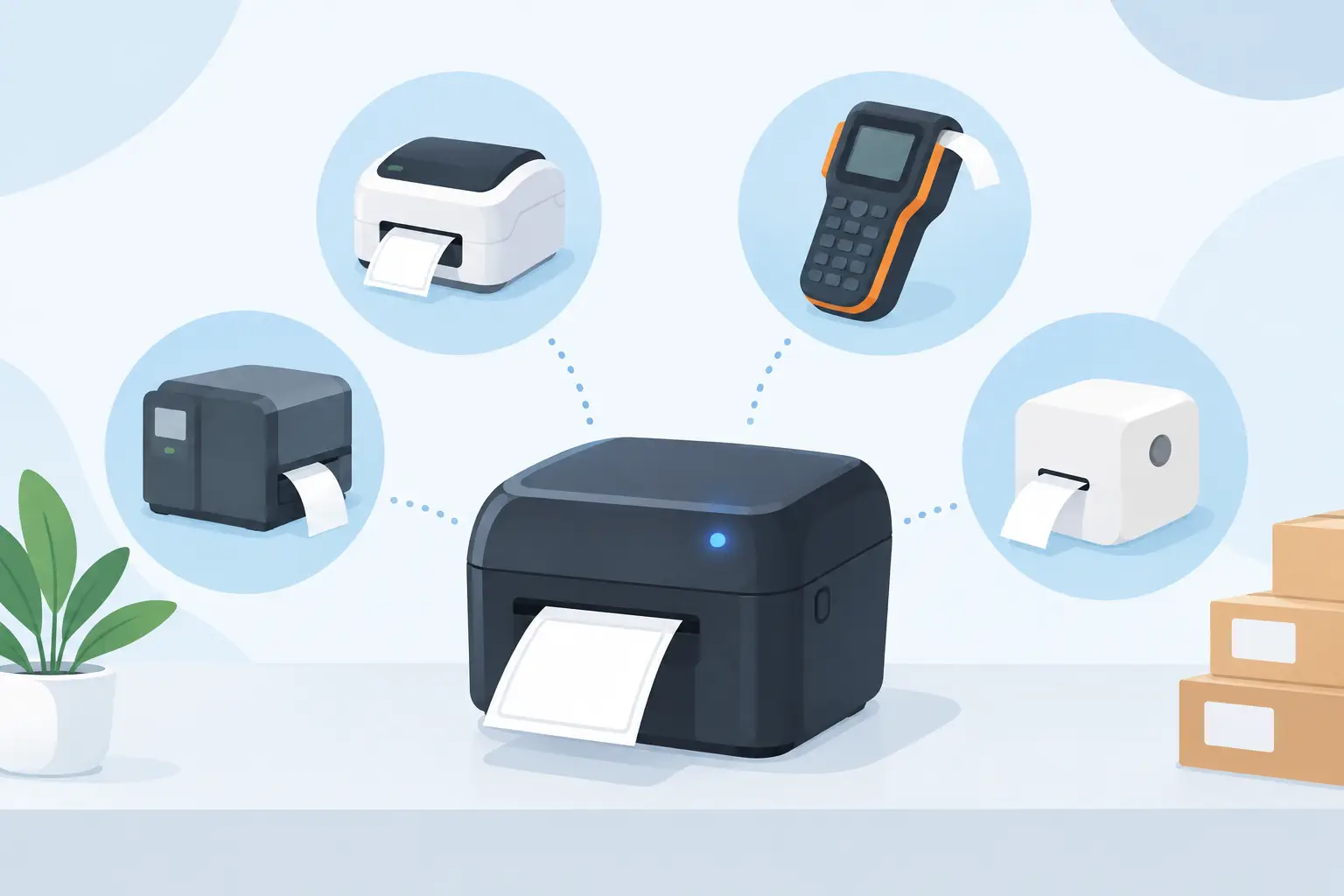
A label request can leave Shopify, Odoo, an ERP, or a warehouse application in milliseconds, then stop at the last few feet: the local thermal printer. IoT print box alternatives solve that cloud-to-printer gap without adding another appliance to every site. The right choice depends on printer locations, network policy, label volume, integration requirements, and how much hardware your team is willing to support.
For operations teams, this is not a theoretical architecture decision. A failed print job can delay receiving, hold up an outbound shipment, create a relabeling queue, or force staff back to manual work. The goal is straightforward: send the right label, with the right data and encoding, to the right printer at the moment the work happens.
Why businesses look for IoT print box alternatives
An IoT print box is often positioned as the physical connector between a cloud system and an on-premises printer. It can work, especially in simple deployments. But each box introduces a device to buy, configure, power, secure, monitor, replace, and keep connected to the correct printer.
That overhead becomes more visible as printing expands beyond one packing station. A business with several warehouses, retail locations, production lines, or customer sites may end up managing a fleet of dedicated devices alongside its printers. When a box loses power, drops off the network, needs a firmware update, or is moved during a workstation change, printing becomes an IT support issue.
The strongest alternatives replace appliance dependency with software, standard printer connectivity, or a more deliberate hybrid architecture. They do not all solve the same problem equally well. A small team printing a few shipping labels each day has different needs from an ERP vendor deploying barcode workflows across hundreds of sites.
5 IoT print box alternatives to consider
1. Desktop print bridge software
A desktop print bridge runs on a local Windows or macOS computer and receives print requests from a cloud application. It then sends those requests to printers available on the local network or directly attached to that workstation.
For many businesses, this is the most practical replacement for an IoT box. The computer is already present at a packing bench, receiving desk, office, or production station. Instead of introducing another piece of hardware, the bridge creates a controlled connection between browser-based workflows and local printers.
This model works particularly well when teams need to print from cloud software but rely on thermal printers using TSPL or ZPL. A capable bridge should manage printer discovery, printer selection, job status, and raw printer commands without forcing users to download files or manually open a print dialog for every label.
TopSale uses this approach through TopBridge, which connects cloud label workflows to local and network-connected printers without a dedicated IoT box. That matters when operations need fast deployment while maintaining support for established printer brands and command languages.
The trade-off is that the host computer must remain powered on and connected. For a staffed workstation, that is usually reasonable. For an unattended site, IT teams should plan for a dedicated workstation, startup configuration, remote management, and a backup process if that computer fails.
2. Direct network printing
Some thermal printers can accept print jobs directly over a local network using an IP address, a print server, or supported protocols. This can reduce the need for a separate bridge device when the originating system already operates within the same network environment.
Direct network printing is attractive in tightly controlled facilities with stable addressing and centralized IT administration. A warehouse management system hosted on-site, for example, may be able to send ZPL directly to Zebra-compatible printers. The path is short and can be highly efficient.
Its limitation is the cloud boundary. Public cloud applications generally cannot safely reach a printer on a private network without VPNs, firewall rules, secure tunnels, or a gateway service. Direct printing can also become difficult when printers move between locations, DHCP addresses change, or several users need different printer-routing rules.
Use this option when your infrastructure team owns the network end to end and your printing workflow is mostly local. It is less suitable for browser-based SaaS workflows that need to reach printers across distributed customer or branch locations.
3. Browser-based local printing connectors
Browser printing connectors use a local application, browser extension, or native service to pass print jobs from a web page to a local printer. They are often designed for web applications that need to print receipts, labels, packing slips, or documents without exposing printers directly to the internet.
This approach can be effective for ecommerce and retail teams because users initiate work in the browser they already use. The best implementations avoid repeated printer prompts and preserve the exact label dimensions, density, and barcode commands required by the target device.
The main question is whether the connector supports production label workflows or only standard document printing. Thermal labels frequently require raw TSPL or ZPL output, calibrated media settings, barcode symbologies, and international character encoding. A generic browser print path may rasterize content or depend on operating-system drivers, which can affect speed and barcode quality.
Choose a browser connector when it is purpose-built for thermal printing and gives administrators reliable control over printer mapping. If it only prints PDFs through a standard dialog, test it carefully under real warehouse conditions before committing.
4. Print server or virtual machine deployment
Larger organizations may centralize print services on an on-premises server or virtual machine. Print queues, drivers, permissions, and monitoring are managed centrally, while local users and applications route jobs through the server.
This can be a sensible architecture for organizations with established Windows print infrastructure, strict security controls, and internal IT resources. It provides a place to standardize drivers and audit activity. It may also simplify administration when many workstations share a set of network printers.
However, traditional print servers are not automatically designed for cloud label automation. Teams may still need custom middleware to receive cloud events, generate label commands, map jobs to locations, and handle retries. Driver-based queues can also introduce formatting differences that are unacceptable for precise thermal labels.
A print server is strongest when it is part of an existing managed environment, not when it becomes a custom project built solely to replace a low-cost box. Calculate the support cost before deciding that centralization is the cheaper option.
5. Printer-native cloud services
Some printer manufacturers offer their own cloud platforms, remote-management tools, or APIs. These services can provide visibility into printer status, configuration, consumable levels, and device health. For fleets standardized on one hardware brand, native tools can be valuable.
The constraint is vendor dependence. If your business uses a mix of TSC, Zebra, Xprinter, Brother, and other devices, separate manufacturer services can fragment the workflow. They may also focus more on device management than on designing labels, importing spreadsheet data, triggering jobs from ecommerce orders, or embedding printing in your own application.
Printer-native services fit organizations that have standardized hardware and need fleet management first. They are less compelling when the operational challenge is connecting multiple business systems to multiple label formats and printer protocols.
What to evaluate before replacing an IoT box
Start with the print path, not the product name. Identify where the business event starts, how label data is assembled, who selects the printer, and what happens when a job fails. A workflow that looks simple on a diagram can break down if users must choose a printer manually, switch templates, or troubleshoot encoding at the point of work.
Protocol support should be a priority. TSPL and ZPL are widely used for thermal label output because they allow printers to process label instructions directly. This is often faster and more consistent than generating image-based documents. Confirm that your alternative can send the command language your printers expect and that it handles print density, label size, rotation, and barcode settings correctly.
International operations need another level of testing. Product names, addresses, lot descriptions, and compliance text may include accented Latin characters, Chinese, Japanese, Korean, Arabic, or other scripts. If character encoding is handled poorly, labels can print with missing characters or unreadable text. Test with actual operational data, not just English placeholder text.
Reliability also depends on failure handling. Ask whether jobs can be retried, whether printer availability is visible, whether the correct printer can be assigned by location or workflow, and whether staff have a simple fallback process. A connection method is only useful when it reduces intervention during busy periods.
Choose the architecture that matches the work
A desktop bridge is often the best fit for cloud-first businesses that need local thermal printer access without a growing fleet of IoT appliances. Direct network printing can be efficient inside a controlled facility. Central print servers suit organizations with mature internal infrastructure, while printer-native services make sense for single-vendor fleets with a device-management focus.
The deciding factor is not whether a solution removes a box. It is whether it makes label printing easier to deploy, easier to support, and more dependable at the exact moment inventory needs to move. Build around the workflow your operators actually run, and the printer connection becomes infrastructure that stays out of their way.