
Multilingual Barcode Label Printing That Works
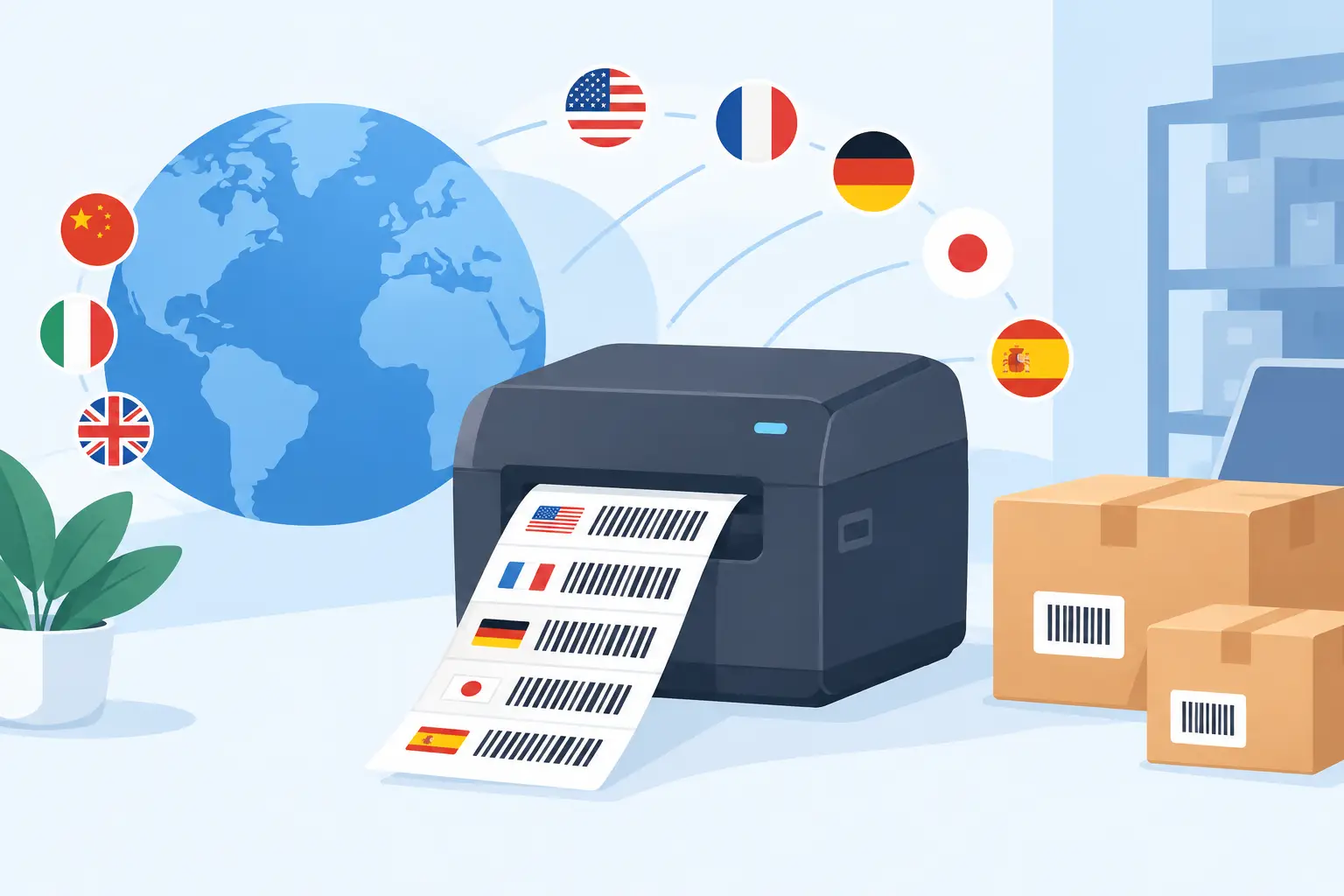
A warehouse label can scan perfectly and still fail the person handling it. When the item name, handling instruction, destination, or compliance text appears as question marks, empty boxes, or unreadable characters, multilingual barcode label printing becomes an operational issue, not a design detail.
For businesses shipping across regions, serving multilingual workforces, or maintaining global product catalogs, labels must carry readable human text while preserving accurate machine-readable codes. That requires more than adding another language field to a template. The full path from business system to printer must preserve the intended characters.
Why multilingual barcode label printing breaks
Most failures occur between the label data source and the thermal printer. An ERP, ecommerce platform, CSV file, or spreadsheet may store Chinese, Japanese, Korean, Arabic, Cyrillic, accented Latin characters, or other scripts correctly. But the label editor, print service, printer language, selected font, or printer firmware may not interpret that data in the same encoding.
The result is familiar: a product description prints as gibberish, an address loses its accents, or a label prints only the English portion of a bilingual field. These errors are easy to miss during template design because a browser can display Unicode text even when the local printer cannot render it.
Four factors usually determine whether a multilingual label prints correctly:
- The source data must be stored and exported in a Unicode-compatible format, commonly UTF-8.
- The label design tool must retain the characters without substituting or corrupting them.
- The print workflow must send the expected encoding to the device.
- The thermal printer must have an available font or a method to render the required script.
A mismatch at any point can create a label that looks correct on screen but fails on the printer.
Start with the label data, not the printer
Reliable multilingual printing starts with clean source data. If product titles, customer names, country-specific instructions, and translated descriptions originate in different systems, standardize how those systems store and exchange text before troubleshooting print settings.
For spreadsheet-driven workflows, save CSV files as UTF-8 rather than relying on a local default encoding. A CSV exported from one regional version of a spreadsheet application may use a legacy code page that another system reads incorrectly. The problem may appear only with certain languages, making it especially difficult to diagnose after a batch of labels has already been printed.
For ERP and ecommerce integrations, confirm that the data field used in the label is the intended localized field. A product may have a default name, translated name, internal SKU description, and customer-facing description. Printing the wrong field is not an encoding failure, but it produces the same operational result: the person receiving the package cannot read the information they need.
Keep barcode values separate from display text whenever possible. A GS1 identifier, SKU, serial number, or tracking code should generally remain a controlled machine-readable value, while multilingual product and handling text is printed in adjacent text fields. This reduces risk when a translation includes punctuation or characters that are not permitted in a barcode data format.
Barcode data and label text have different rules
A barcode symbol does not automatically support every written language. Traditional linear barcodes such as Code 128 are best suited to structured identifiers and restricted character sets. Their job is to encode a value consistently for scanners, not to carry a full product description in multiple languages.
Two-dimensional codes offer more capacity, but capacity is not the only consideration. QR codes can support broader character encoding options, while Data Matrix is often used for compact industrial and traceability applications. The right choice depends on the data standard, scanner fleet, available label space, and downstream systems that consume the code.
In practice, most operations should encode a stable identifier in the barcode or QR code and print multilingual text as human-readable information. A scan then retrieves the record from the warehouse, retail, logistics, or ERP system. This keeps labels compact, reduces scanning variability, and avoids embedding changing translations directly inside every code.
There are exceptions. Offline workflows, regulated labeling, and cross-border handoffs may require more information on the label itself. If multilingual content must be encoded within a 2D symbol, test it with the actual scanner models and receiving applications used in the field. A code that scans successfully on a mobile phone is not proof that it will work with an older industrial scanner or a partner’s receiving software.
Choose a print path that preserves characters
Cloud-based label operations introduce a practical challenge: the business system and label editor may run in a browser, while the thermal printer sits on a warehouse desk, packing station, retail counter, or production line. Printing must cross that cloud-to-local boundary without forcing teams to maintain a separate IoT print box for every site.
A dependable workflow uses a local desktop bridge to receive print jobs from the cloud and send them to the configured local or network printer. This gives operations teams browser-based template design and centralized data access while keeping printing close to the devices that physically produce labels.
With TopSale, TopBridge performs this connection between cloud workflows and local printers. That architecture is particularly useful for multilingual label production because it reduces manual file handling. Rather than downloading labels, opening them in different applications, and hoping each workstation uses the same fonts and settings, teams can send a defined template and print job through a controlled path.
Protocol support matters here. Many thermal printers use TSPL or ZPL, and both languages provide ways to manage character encoding and fonts. However, implementation differs by printer model and firmware. A command that prints Japanese correctly on one device may require a different font configuration on another. Compatibility should be validated by printer family, not assumed from the protocol name alone.
Fonts are often the real constraint
Thermal printers do not behave like office document printers. Many include only a limited set of built-in bitmap or scalable fonts. A printer may handle English and Western European accents but lack glyphs for Simplified Chinese, Thai, Arabic, or Korean.
There are two main approaches. The first is to use printer-resident fonts that support the required language. This can be fast and efficient, especially for high-volume labels, but may require loading font files to each printer and managing versions across sites.
The second is to render text as an image or graphic before sending the label to the printer. This can expand language coverage because the printer receives a printable bitmap rather than needing to understand every character. The trade-off is larger print jobs, potentially slower throughput, and a need to confirm that small text remains sharp at the printer’s DPI.
Neither approach is universally better. Built-in or downloaded fonts are usually preferable when speed, device-side printing, and high-volume production are priorities. Graphic rendering can be the better route for broad script support, mixed-language templates, or fleets where installing specialized fonts is impractical.
Arabic and other right-to-left scripts deserve additional testing. Correct characters alone are not enough. The text must also use the correct direction and shaping, especially when a label combines Arabic with Latin product codes, quantities, or addresses.
Build templates for mixed-language labels
A label that contains multiple languages needs deliberate layout decisions. Do not simply stack translations until the label becomes dense and difficult to scan at a packing station. Use a clear hierarchy: the primary item identifier, product name, quantity or variant, destination or handling details, then secondary translations where required.
Allow room for expansion. German, French, and Spanish text can run longer than English, while CJK scripts can require different font sizes for equivalent readability. Fixed-width text boxes that look balanced in English may clip translated strings or overlap a barcode when populated from live data.
Use real production examples during design. Include long names, diacritics, non-Latin characters, punctuation, and the smallest label size your operation uses. A template that survives these cases is far more likely to work during a busy fulfillment shift.
Test the actual printer fleet before rollout
A multilingual template is ready only after it has been printed, scanned, and read under normal operating conditions. Test on each printer model, at each relevant resolution, and through the same workflow used by operations teams. A 203 DPI shipping printer and a 300 DPI product-label printer can produce noticeably different results with small characters.
Verify the label in four ways: confirm the visible text is correct, scan the barcode with production scanners, check that the scanned value reaches the target system accurately, and inspect the print after handling, refrigeration, abrasion, or transit conditions that apply to the product.
Document the approved combination of template, printer model, protocol mode, encoding setting, and font method. This makes new-site deployment faster and prevents a local setting change from silently affecting international orders.
The best multilingual label workflow is not the one with the most language options on paper. It is the one that lets a warehouse worker, carrier, retailer, or customer read the right instruction immediately while every scan continues to move the correct record through the business. Build and test for that moment, and global label printing becomes a repeatable operational capability rather than a recurring support ticket.