
Thermal Printer SDK Integration That Works
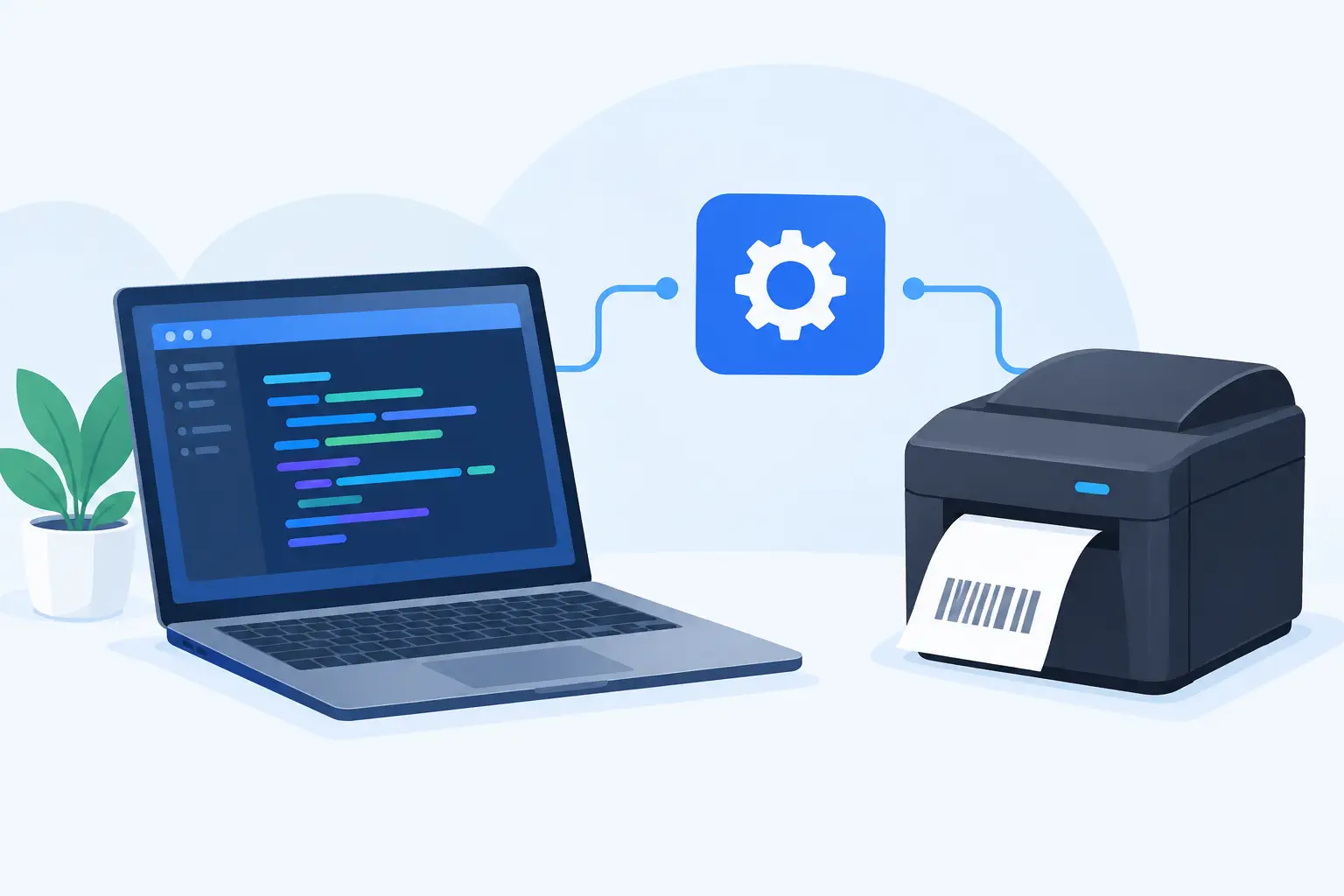
A shipping label generated in the right business system is only useful when it reaches the correct printer at the packing station, in the correct format, at the moment an order is ready. Thermal printer SDK integration closes that gap by giving your application a controlled way to create, route, and monitor print jobs without asking teams to download files, select printers manually, or maintain a separate hardware appliance.
For warehouse, retail, manufacturing, and ecommerce teams, the technical decision affects more than developer effort. It affects fulfillment speed, label accuracy, printer support, international shipments, and the operational cost of supporting devices across sites.
What thermal printer SDK integration needs to solve
An SDK is not simply a button that sends a file to a printer. In a cloud-based business application, the printer usually sits inside a local network while the application runs in a browser or remote data center. Web browsers intentionally restrict direct access to local hardware, which creates the core integration challenge.
A usable implementation needs a secure bridge between the cloud workflow and the local printer. The application creates a print request with the label data, template, printer target, and print settings. A locally installed desktop connector receives that request and sends printer-ready commands through the operating system, network connection, USB connection, or shared printer queue.
That architecture lets a warehouse management system, ERP, order portal, or custom application trigger output from the place where work actually happens. The operator stays in the workflow instead of switching to a separate print utility.
The architecture behind reliable print execution
The most practical thermal printing architecture separates business logic from device communication. Your application should decide what to print and when. The local connector should handle how the selected printer receives it.
This distinction matters because printer environments are rarely uniform. One site may use Zebra printers over Ethernet, another may use TSC devices over USB, and a third may run a mix of Xprinter or Brother hardware. If every application has to manage drivers, ports, protocol dialects, and workstation-specific settings, each deployment becomes a support project.
A cloud-to-local print bridge provides a consistent path:
- Your system sends a request containing the template, dynamic data, copies, and intended printer.
- The local connector identifies the configured device and verifies that it is available.
- The connector renders or passes through the appropriate command language, such as ZPL or TSPL.
- The printer receives the job locally, while the application can record the result for operational visibility.
The details vary by environment. A small retailer may use one named printer at a checkout counter. A distribution center may need routing rules that send carton labels, shelf labels, and returns labels to different stations. The principle is the same: keep local hardware complexity out of the business application wherever possible.
Use printer-native languages when control matters
Many thermal printers perform best when they receive native commands instead of a generic document format. ZPL is widely used in Zebra environments, while TSPL is common across TSC-compatible devices and other printer models. Native commands allow precise control over label dimensions, darkness, speed, barcode placement, cutter behavior, and print density.
A thermal printer SDK integration should either generate these commands directly or provide a template system that produces them reliably. A generic browser print flow can work for occasional office labels, but it is usually a poor fit for high-volume operational output. Layout drift, driver differences, slow dialogs, and page-format assumptions can turn a simple label job into a recurring failure point.
There is a trade-off. Direct ZPL or TSPL generation gives technical teams more control, but it requires careful template management. A visual cloud label editor lowers the barrier for operations teams, particularly when label layouts change frequently. The strongest approach supports both: business users can manage approved designs, while developers pass live order or inventory data into those designs.
Design the SDK around real business events
Printing should be triggered by a business event, not by an operator remembering another manual step. The event may be an order moving to packed status, a receiving transaction being confirmed, a production batch being released, or a Shopify shipment being created.
Start by defining the event and the source of truth. For example, when a warehouse worker confirms a pick, your system may need to print a carrier label, a carton label, and a packing slip. Those outputs have different sizes, templates, and destinations. Treating all of them as a single generic print command creates ambiguity later.
A well-designed request should include a unique job ID, template ID, data payload, selected printer or routing rule, copy count, and user or workstation context. The unique job ID is especially valuable. It helps prevent duplicate labels when a user retries after a network interruption and provides a record for troubleshooting.
For batch workflows, avoid sending thousands of independent jobs without control. Spreadsheet-driven label production and bulk order releases need batching, pacing, and clear status reporting. A queue can preserve order, reduce printer overload, and give supervisors a practical way to identify failed output before it becomes a fulfillment problem.
Handle encoding before international labels fail
Character encoding is one of the most common reasons a label looks correct in a browser but prints incorrectly on a thermal device. Names, addresses, product descriptions, and compliance text may include accented characters, Chinese, Japanese, Korean, Arabic, or other non-Latin scripts. If the template, SDK, connector, and printer do not use compatible character settings, operators may see missing glyphs or unreadable symbols.
This is not an edge case for global operations. It affects shipping labels, multilingual product labels, and regional warehouse deployments. Test real production data early, including long addresses and non-English characters, rather than relying on a sample label containing only basic English text.
Your integration should define where text is encoded, which fonts are available on the printer, and whether a graphic or downloaded font is required for specific scripts. Printer-native fonts can be fast and efficient, but support differs by model. Rendering text as an image can improve consistency across devices, though it may increase data size and reduce the flexibility of native commands. The right choice depends on language requirements, printer fleet, and print volume.
Build for printer downtime and operator recovery
A printer can be reachable yet unable to print because it is out of media, has an open printhead, is paused, or has a calibration problem. Integration quality is measured by how clearly the system responds when those routine events happen.
At a minimum, the application should distinguish between a request accepted by the cloud service, a job delivered to the local connector, and a job sent to the printer. These are different states. Do not tell an operator that a label printed simply because the API accepted the request.
For critical workflows, provide actionable status messages. “Printer offline at Packing Station 3” is useful. “Print failed” is not. Where appropriate, allow authorized users to retry a job, reroute it to a backup printer, or reprint from the original job record without regenerating data from scratch.
Also plan for idempotency. If a network retry occurs after a label has already reached the device, the system needs a way to recognize the repeated request. Duplicate shipping labels can cause carrier charges, inventory confusion, and avoidable rework.
Choose an integration model that fits your team
A direct SDK is a strong option when you operate a custom application and need printing embedded in your own screens and business events. It gives developers control over data mapping, authorization, routing, and user experience.
For established business platforms, a dedicated integration may be faster. An Odoo workflow, for example, benefits from printing that is connected directly to sales orders, inventory moves, and delivery operations. Ecommerce teams may prioritize printing from Shopify order workflows. Operations teams that do not need custom development may get more immediate value from browser-based label design and Excel or CSV batch printing.
TopSale supports these paths with a cloud label workflow, protocol-aware printing, and TopBridge as the local connection between browser or cloud workflows and local printers. This avoids the added procurement, configuration, and maintenance burden of a dedicated IoT print box while keeping printer execution close to the device.
Test the workflow at the station, not only in development
An integration can pass API tests and still fail on the warehouse floor. Before rollout, test the actual printer model, label stock, connection type, workstation permissions, and operator workflow. Confirm barcode scan quality, print alignment, darkness, speed, and behavior after a printer restart.
Test negative scenarios as well: disconnect a printer, change media, send a label with a long international address, and retry a job after interrupting the connection. These checks reveal whether your error handling supports the people doing the work.
The best first deployment is usually one workflow, one location, and a defined set of printer models. Prove the routing, status, encoding, and recovery process there, then standardize the configuration before expanding to more stations or sites.
A thermal print integration earns trust when operators stop thinking about printing as a separate task. Start with the label that causes the most friction today, connect it to the business event that should trigger it, and make every failure state clear enough to resolve without slowing down the line.