
Label Printing SDK for Web Apps with TopBridge
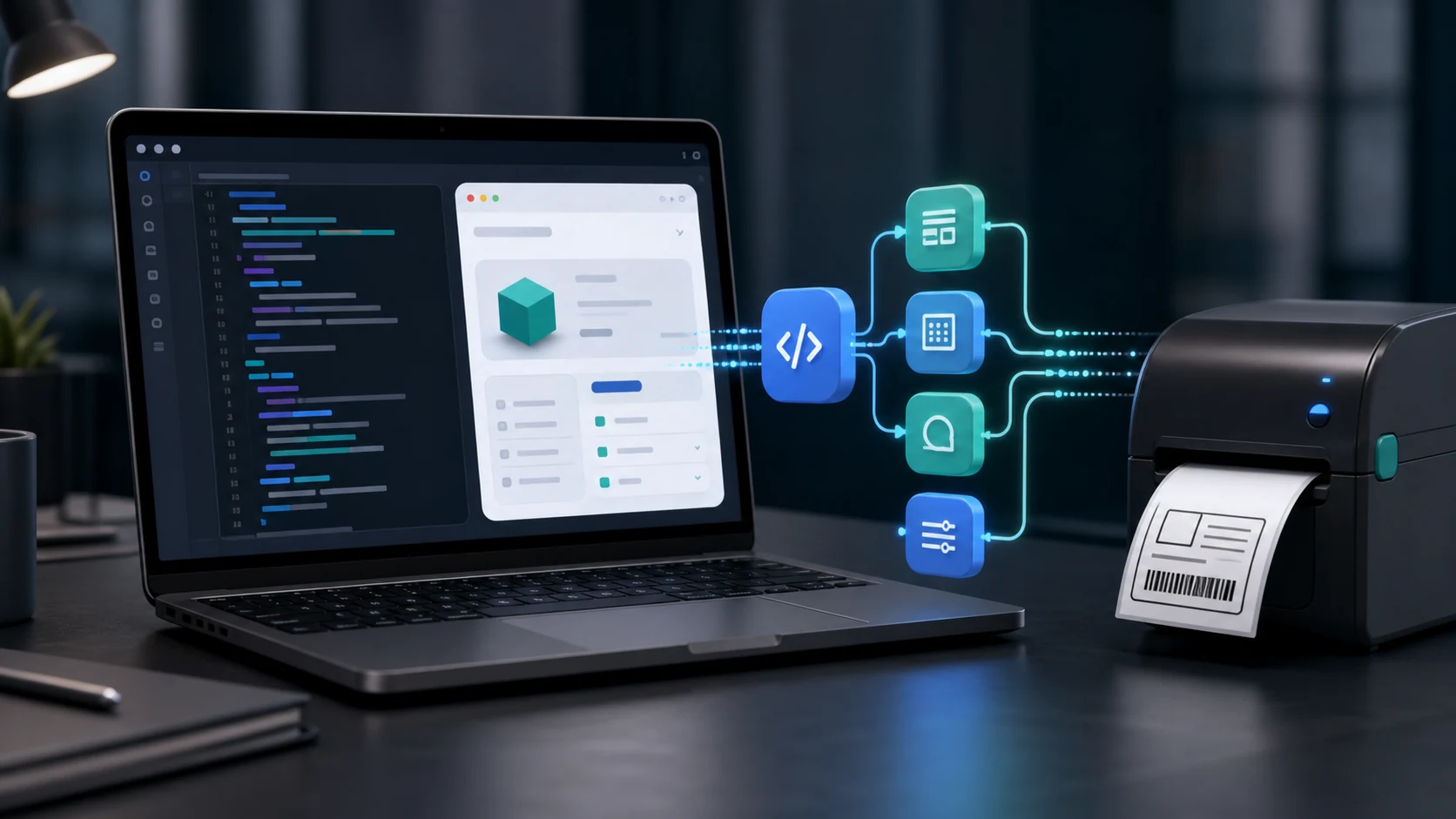
The TopBridge label printing SDK lets developers embed browser-to-printer label printing directly into web applications. The JavaScript core package is available on npm, with React and Next.js wrappers planned.
What is SDK integration?
SDK integration means embedding a feature — in this case, professional label printing — directly into your own software.
Instead of asking users to leave your app, log into a separate portal, and print labels there, you can bring the print function directly into your own interface.
With the TopBridge SDK, developers can connect browser-based applications to local TSPL or ZPL printers, run preflight checks, retrieve label templates, and trigger print jobs without leaving the application.
Why use a label printing SDK?
- Native user experience. Your users can print labels directly from inside your application without switching between systems.
- Programmatic control. Trigger print jobs from events in your software such as an order being confirmed, a shipment being created, or a production batch being completed.
- Production-ready workflows. The SDK supports structured error handling, preflight orchestration, printer discovery, TopBridge tray-app auto-launch and retry, origin verification, and input sanitization.
- Browser-native integration. Install the JavaScript package with
npm install @appzgatenz/label-print-topbridge-jsand integrate label printing into your web application.
Who should integrate the SDK?
- SaaS platforms whose users print labels as part of a larger workflow, including ERP systems, warehouse management systems, e-commerce backends, and manufacturing platforms.
- Internal tools built by teams already using TOPSALE that want to expose label printing inside their own dashboards or operational systems.
- Marketplaces and integrators that want to offer label printing as a feature without building the printer connection layer from scratch.
- Development teams that want to move beyond the traditional “open the portal, print, return to the app” workflow and provide a more native in-app experience.
How the TopBridge SDK works
A typical browser-to-printer workflow can follow these steps:
- Initialize the SDK inside your web application.
- Run a preflight check to confirm the local TopBridge service is available.
- Validate printer availability and discover supported local or network printers.
- Retrieve label templates or prepare the print payload.
- Trigger the print job from your own application interface.
- Handle success or errors directly inside your application workflow.
This allows developers to integrate thermal label printing without sending users to a separate printing portal.
TSPL and ZPL printer support
The TopBridge SDK is designed for professional thermal label printing workflows using TSPL and ZPL printer languages.
It can support workflows for:
- Product labels
- Barcode labels
- Shipping labels
- Inventory labels
- Warehouse labels
- Manufacturing labels
- Asset labels
The SDK provides the browser-to-printer connection layer while TopBridge handles communication with the supported local or network printer.
Where to start
- TopBridge label printing SDK — explore features, integration examples, and implementation guidance.
- SDK Getting Started guide — installation steps, API reference, and code examples.
- Live playground — try the SDK directly in your browser.
- npm package — install with
npm install @appzgatenz/label-print-topbridge-js. - Playground source on GitHub — explore the open-source demo and integration code.
Add label printing directly to your web application
The TopBridge SDK provides the browser-to-printer layer used by TOPSALE workflows, allowing developers to add thermal label printing directly to their own applications.
Instead of maintaining a separate printing interface, your application can manage the workflow from the same place where users already process orders, shipments, inventory, manufacturing, or other operational tasks.