
Barcode Label Design That Scans Right
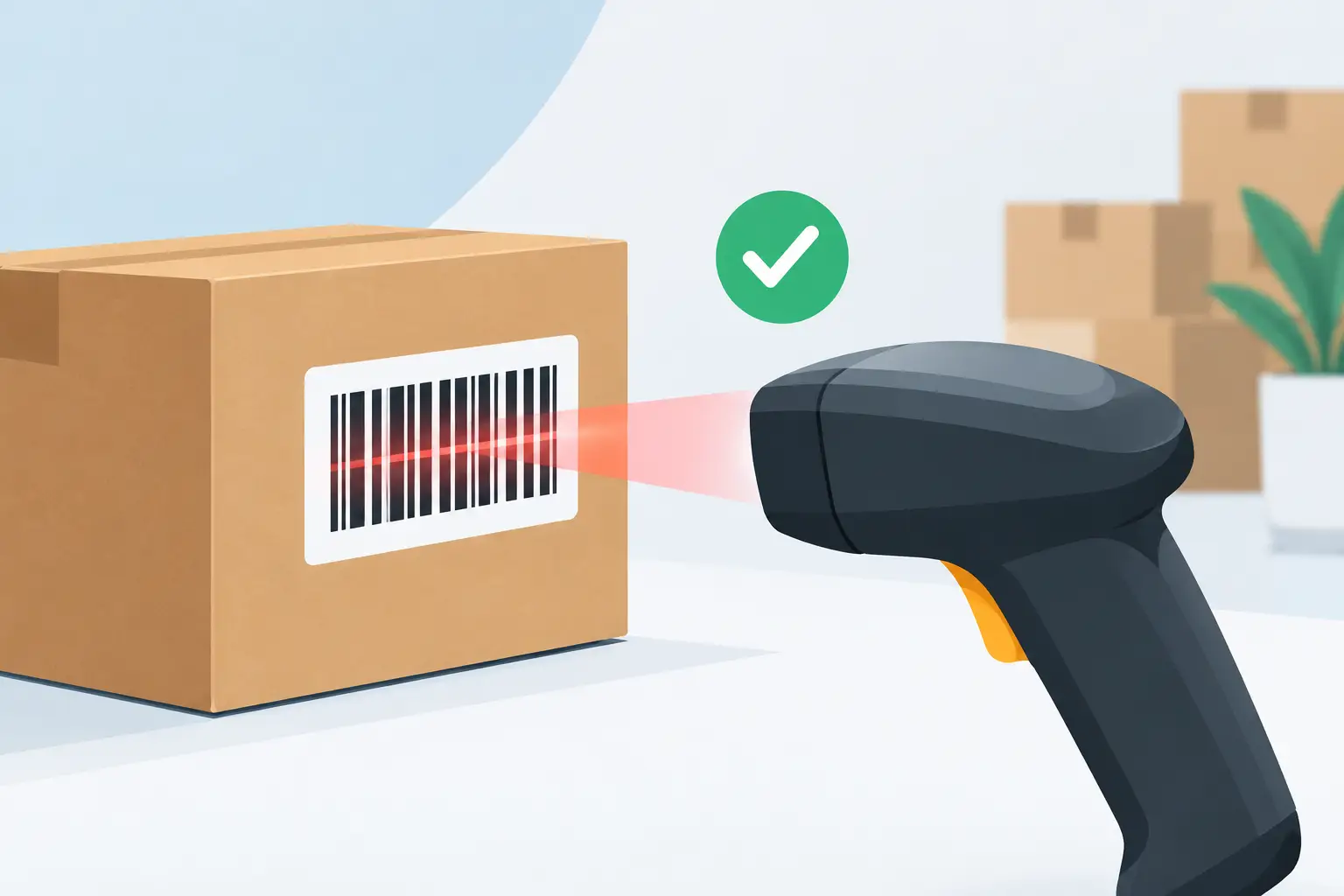
A label can look correct on screen and still fail where it matters: at a receiving dock, on a retail shelf, or during a fast pick-and-pack run. Barcode label design is an operational decision, not a decorative one. The wrong barcode size, quiet zone, material, or print density can slow scanning, create inventory exceptions, and force teams back to manual entry.
For warehouses, retailers, manufacturers, and ecommerce teams, a dependable label starts with the workflow it must support. The label needs to carry the right data, scan consistently on the available hardware, survive its environment, and print at the point where work happens.
Start barcode label design with the scan event
Before selecting a barcode type or opening a label editor, define what happens when the code is scanned. A warehouse location label supports a different task than a product label, carton label, asset tag, or shipping label. The scan may identify an item, validate a pick, receive a purchase order, update a production stage, or retrieve a record from an ERP or ecommerce system.
That decision determines the data encoded in the barcode. It also determines what should remain visible as human-readable text. A picker may need SKU, product name, variant, and bin location. A retail team may need price and product description. A logistics label may require order number, carrier service, routing data, and a scannable tracking identifier.
Do not place every available field on every label. More data increases label density and raises the chance that text or barcodes become too small for reliable use. Keep the barcode payload focused on the unique identifier your system expects. Put supporting information in readable text around it.
Match the symbology to the data
One-dimensional barcodes remain practical for many internal inventory workflows. Code 128 handles letters, numbers, and a broad range of identifiers in a compact format. Code 39 is common in older industrial environments but is less space-efficient. UPC and EAN are designed for retail product identification and have strict formatting requirements.
QR codes and Data Matrix codes are useful when a label must fit more data into less space, such as serial numbers, URLs, batch information, or inspection records. Their compact footprint is helpful, but they are not automatically the best choice. If workers use older laser scanners configured primarily for linear barcodes, a QR code can introduce avoidable friction. Confirm scanner capability before standardizing on a two-dimensional code.
The best choice depends on the identifier, scan distance, scanner fleet, and available label area. Use an established barcode standard where a trading partner, retailer, carrier, or industry already requires one. For internal processes, choose the simplest format that your systems and devices handle consistently.
Protect scan reliability with physical spacing
A scanner needs more than visible black bars or modules. It needs contrast, clear edges, and unprinted space around the code. That empty margin is called the quiet zone. If text, borders, icons, or another barcode crowd the quiet zone, the scanner may misread the label or fail to detect the barcode at all.
Keep barcode elements away from label edges and avoid placing a graphic border tightly around them. This is especially important on small labels, where designers are tempted to use every millimeter. A slightly larger label or a simplified layout often costs less than repeated scan failures.
Barcode size also needs to reflect the printer resolution and intended scan distance. A dense Code 128 barcode printed at 203 dpi may work for a short identifier, but small bars can blur when the encoded string grows. Increasing the barcode width, reducing unnecessary data, moving to a higher-resolution printer, or using a two-dimensional code may be better options. There is no universal minimum size that works for every printer, stock type, and scanner.
Print orientation matters as well. For labels passing through a thermal printer, printing a linear barcode in the direction that gives bars the cleanest edge can improve results. Test the actual output rather than relying on a screen preview. A scanner validates the printed label, not the editor canvas.
Use contrast that survives real handling
Black on white remains the safest barcode combination because it gives scanners strong contrast. Thermal transfer and direct thermal printing are both capable of producing excellent labels, but the material choice changes how well the image holds up over time.
Direct thermal labels are efficient for short-life applications such as shipping, temporary picking, and fast-moving inventory. Heat, sunlight, friction, and long storage periods can darken or fade the image. Thermal transfer printing uses a ribbon and is generally better for durable asset tags, long-term storage, outdoor exposure, chemical contact, or labels that will be handled repeatedly.
The substrate matters just as much as the print method. A glossy, textured, colored, or reflective surface can reduce scan performance. If product presentation requires a non-white label, test it with the scanners used on the floor. A label that scans under office lighting may behave differently in a cold room, loading bay, or production area.
Build hierarchy for people and systems
A useful label has two readers: the scanner and the person holding the item. The scanner needs a clean code. The operator needs enough visual hierarchy to make quick decisions without scanning every label.
Place the most important human-readable identifier where it can be found immediately. For a product label, that may be the SKU and product name. For a carton, it may be the purchase order, destination, or handling instruction. Use a clear font, sufficient size, and consistent positions across templates. Consistency reduces training time because staff learn where to look.
Avoid shrinking operational text merely to make a template feel complete. If a warehouse worker cannot read the lot number from a normal handling distance, the label is not doing its job. Separate primary and secondary fields with spacing instead of filling the design with boxes, lines, and decorative elements.
If the label carries dates, use an unambiguous format for global operations. A date such as 04/05/26 can mean different things to different teams. Writing the month or adopting a documented ISO-style format prevents avoidable mistakes. The same principle applies to units, product variants, and multilingual content.
Make dynamic data part of the design
Most label failures are data failures disguised as design failures. A template may be visually sound but print empty fields, truncated product names, invalid barcodes, or the wrong language when it receives live data from a spreadsheet, ecommerce store, WMS, or ERP.
Build templates around realistic data, including the longest SKU, longest product title, special characters, multiple quantities, and the largest expected barcode value. If an Excel or CSV workflow is involved, define required columns and validate data before a large print run. A single malformed row should be identified before it creates hundreds of unusable labels.
International character support deserves specific attention. Accented Latin characters, Asian scripts, Arabic text, and other multilingual fields can fail when a printer, driver, or protocol uses an incompatible encoding. Test the full route from business system to label template to printer. A correct preview does not guarantee correct printer output.
Cloud workflows also need a reliable local print path. Browser-based design and centralized templates are valuable, but the label must still reach the correct thermal printer without users downloading files, switching applications, or selecting the wrong device. TopSale uses TopBridge to connect cloud print requests to local or network-connected printers without adding a dedicated IoT print box. That architecture keeps the process close to the operational workflow while supporting established TSPL and ZPL printer environments.
Validate the printed label, not just the template
A practical barcode label design process includes a short validation loop before rollout. Print samples on the actual printer model, using the intended label stock and ribbon if applicable. Scan them with the devices used in receiving, inventory, retail, or fulfillment. Test labels after normal handling, not only when they are fresh from the printer.
Check the barcode against the expected system record. Then check the human-readable fields for alignment, truncation, legibility, language accuracy, and correct formatting. If printing is triggered from Shopify, Odoo, a spreadsheet, or a custom application, test the complete data flow with production-like records.
For high-volume or regulated workflows, establish an approval version for each template. Record the label dimensions, printer resolution, media type, barcode symbology, and required data fields. When a template changes, treat it as an operational change rather than a casual visual update.
Design for scale before volume exposes the gaps
A single workstation can tolerate manual edits and printer-specific workarounds. A growing operation cannot. As labels move across sites, shifts, printers, and business systems, standardization becomes the difference between a repeatable process and daily troubleshooting.
Create a small set of reusable templates for each workflow, then use controlled variables for product, order, location, lot, and language data. Assign printers by function where possible: receiving, packing, inventory control, or production. This avoids confusion when several devices are visible to the same user.
Printer compatibility should be planned, not assumed. Different brands and models can interpret commands, fonts, density settings, and character sets differently. Supporting common printer languages such as TSPL and ZPL makes mixed hardware environments easier to manage, but sample testing remains necessary when deploying a new model or changing label media.
The strongest label is rarely the busiest one. It is the one that presents the required data clearly, scans on the first attempt, and reaches the right printer when the work needs to move. Treat each label as part of your operating infrastructure, and it will keep inventory, fulfillment, and production moving with far fewer exceptions.