
Manufacturing Label Printing That Keeps Moving
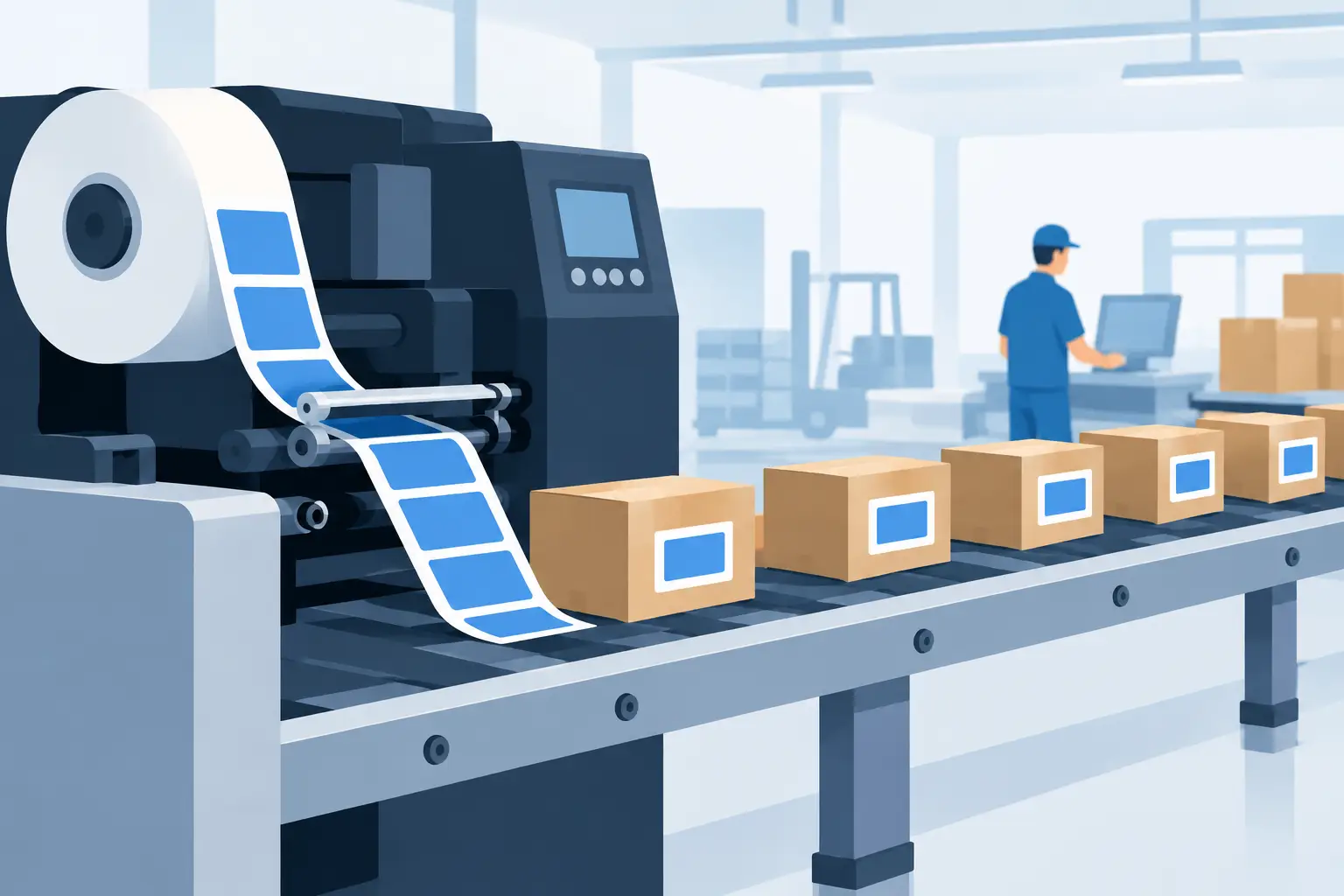
A production line can keep running while label printing fails. The part is made, the operator is ready, and the shipment deadline has not changed, but the label template is outdated, the wrong printer is selected, or the print job never leaves the browser. Manufacturing label printing is not a small administrative task. It is a control point between production data and the physical movement of goods.
For operations teams, the objective is simple: print the correct label at the moment it is needed, on the printer closest to the work. Achieving that consistently requires more than a good-looking template. It requires connected data, printer compatibility, clear exception handling, and a workflow that does not depend on someone exporting files or walking labels across the floor.
What Manufacturing Label Printing Must Do
Manufacturing labels carry information that affects traceability, quality, receiving, inventory, and shipping. A label may identify a raw-material lot, work order, serial number, revision level, production date, inspection status, carton quantity, or destination. If any of those fields are wrong or unreadable, the operational impact can extend well beyond one mislabeled item.
The exact label set depends on the operation. Discrete manufacturers may need serialized unit labels and component traceability. Food, chemical, and pharmaceutical facilities often need lot, date, and compliance information. Assembly operations may rely on work-in-process labels that move with a product through each stage. What they share is a need for data that is current when the label is printed.
That is why the best workflows connect the label directly to the system of record. An ERP, manufacturing execution system, warehouse platform, or spreadsheet should provide the variable data. The label platform should apply that data to an approved layout. The local thermal printer should receive the job immediately, without requiring a separate hardware appliance just to bridge cloud software and the plant floor.
Start With the Decision the Label Supports
A label should be designed around the next action a person or scanner must take. This prevents a common mistake: placing every available field on a small label because the data exists.
At receiving, a barcode may need to identify an inbound material lot quickly. At an assembly station, the operator may need a large, human-readable part number and revision. In finished-goods staging, a carton label may need an SSCC, quantity, and destination. The data hierarchy changes with the workflow.
Make scanning conditions part of the design
Barcode quality is not only about selecting Code 128, QR code, Data Matrix, or another symbology. Print resolution, label size, scanner type, lighting, surface texture, and print speed all affect real-world scan performance. A barcode that scans at a desk may fail after it is wrapped around a curved component or exposed to dust and abrasion.
Use the symbology required by your customer or process, then validate it under normal operating conditions. Keep quiet zones clear, avoid shrinking barcodes to fit extra text, and make sure the encoded value matches the human-readable value where both are used. For serialized labels, define whether the serial number is generated by the business system or by the print workflow. Two systems generating sequences independently is a predictable source of duplicates.
Treat templates as controlled operational assets
A template change can affect shipping, compliance, and inventory accuracy. Revision control matters, especially when labels include customer-specific formats, regulated content, or production instructions.
Assign ownership for approving template changes. Use named templates for each product family, line, customer, or label size rather than relying on informal copies. When fields change, test with representative records: short and long item descriptions, multiple date formats, high serial numbers, special characters, and all required languages. The goal is to catch overflow, missing data, and encoding problems before the template reaches the floor.
Connect Data Without Creating More Manual Work
Manual label entry is workable for occasional exceptions. It is not a dependable primary process for high-volume manufacturing. Every typed lot number, quantity, or serial number introduces an opportunity for mismatch.
For scheduled runs and variable production records, spreadsheet-driven batch printing can be useful. A production coordinator can prepare an Excel or CSV file with part numbers, lots, quantities, and destination fields, map columns to a tested label template, and print a controlled batch. This is often a practical first step for teams that are standardizing operations before a deeper ERP integration is available.
For recurring workflows, connect printing to the event that creates the need for a label. A completed work order can generate a finished-goods label. A goods receipt can print material identification labels. A packing confirmation can send carton labels to the shipping station. The closer the print event is to the operational transaction, the less room there is for stale data and missed steps.
This approach does require decisions about reprints. A reprint should not silently create a second label that looks identical when the process requires a unique serial or carton identifier. Define who can reprint, why it is being reprinted, and whether the replacement needs a reprint indicator or audit record. For some environments, a straightforward duplicate is correct. For others, it creates a traceability problem.
Keep Cloud Workflows Close to Local Printers
Cloud-based systems make label design, user access, and integration easier to manage across sites. Printers, however, remain physical devices on local networks or connected by USB. That gap is where many printing projects become complicated.
The traditional answer has been an IoT print box or a custom local service. That can work, but it adds hardware to buy, deploy, monitor, update, and replace. It can also create a single point of failure at each location.
A desktop bridge application offers a more direct path. The browser-based label workflow sends the print request to an authorized local bridge, and the bridge sends it to the selected thermal printer in real time. TopSale uses this model through TopBridge, allowing cloud-based label workflows to reach local and network-connected printers without an additional IoT box.
The practical benefit is not simply fewer devices. It is faster deployment across stations and sites. A warehouse or production team can use centrally managed templates while still printing to the device beside the line, packing bench, or receiving dock.
Match printer language to the fleet you already own
Printer compatibility should be evaluated early, not after templates are built. Many thermal printers support TSPL or ZPL, but supported commands, fonts, media settings, and network configuration can vary by model. A workflow that performs well on one printer may need adjustment for another.
Confirm the printer brand and model, connection method, print density, label dimensions, and command language before rollout. This is particularly important for mixed fleets using TSC, Zebra, Xprinter, Brother, or other devices. Standardizing where possible reduces support work, but a platform should still support the printers that operations already rely on.
International character support deserves the same attention. Manufacturing environments often print supplier names, product descriptions, handling instructions, or destination data in multiple languages. If character encoding is not handled correctly, labels can show missing glyphs or unreadable substitutions. Test the full production character set, not just English sample data.
Build for Downtime, Not Just Normal Operation
A label workflow is only as reliable as its response when something goes wrong. Printers run out of media. Network addresses change. A shift changes the selected printer. A job can fail because the printer is offline or paused.
Give operators a simple recovery path. They should know how to confirm the selected printer, check media and ribbon where applicable, retry a job, and escalate a persistent issue. IT teams should be able to see which workstation or bridge is responsible for local connectivity. Clear naming helps: “Line 3 – Finished Goods” is more useful than a generic printer model name.
Pilot each workflow before broad deployment. Test normal printing, batch output, printer-offline behavior, template updates, multilingual values, and reprints. Then measure the operational results: fewer manual entries, fewer print-related delays, faster station setup, and fewer labeling errors found downstream.
Make Printing an Extension of Production Data
The strongest manufacturing label printing process does not ask operators to work around disconnected tools. It lets them print approved, data-driven labels from the systems and files they already use, to the printers already positioned at the point of work.
Start with one high-friction workflow, such as work-order labels, inbound material identification, or finished-carton printing. Prove the data path, template controls, and local printer connection there. Once that station prints accurately under real production conditions, expanding the same model across the floor becomes a practical operational improvement rather than another hardware project.