
Cloud Bridge Versus Print Server: Which Fits?
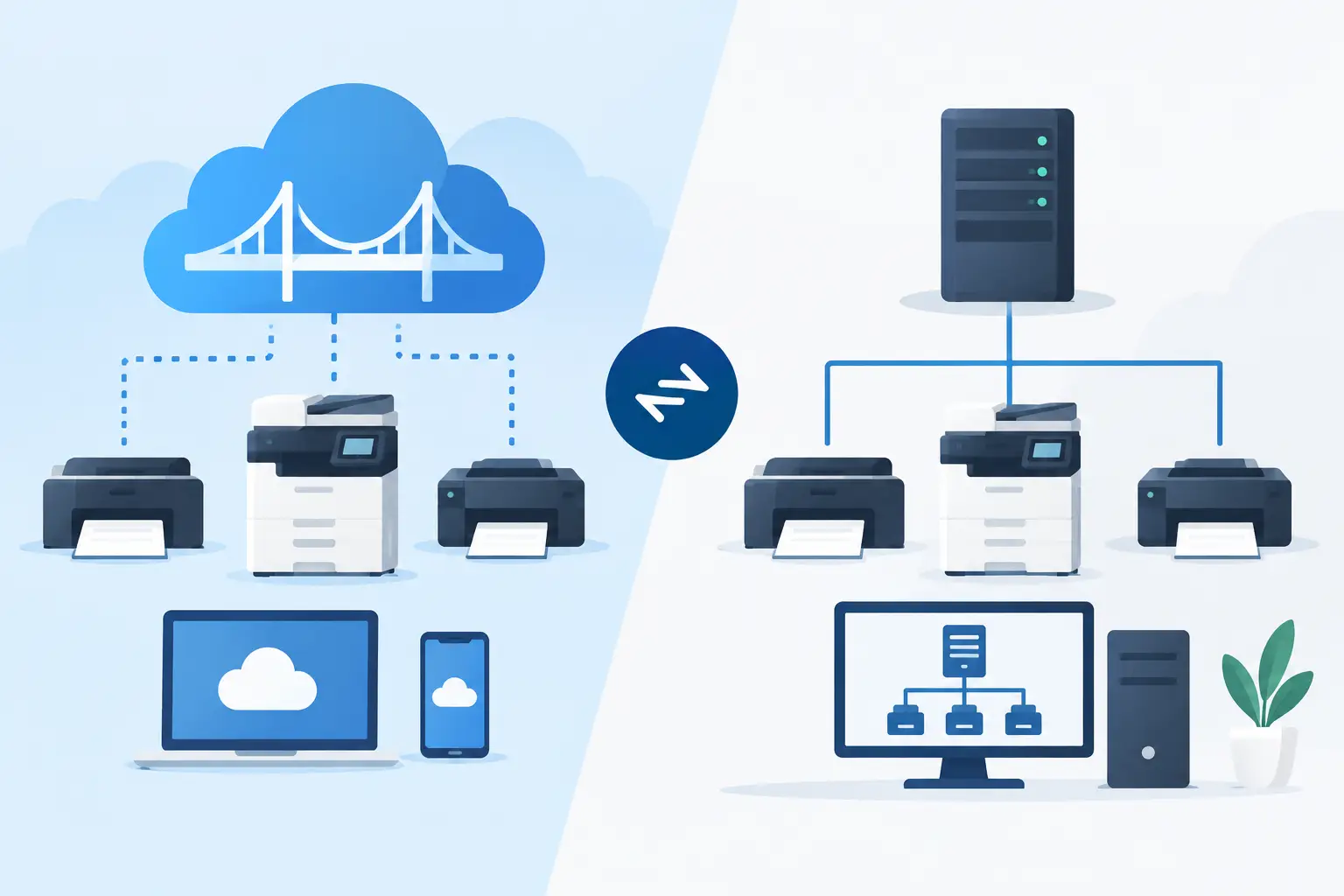
A warehouse team clicks Print in a cloud ERP, but the label printer sits behind a local network firewall beside the packing station. That gap is where the cloud bridge versus print server decision becomes practical. The wrong architecture can mean delayed labels, extra hardware, difficult troubleshooting, or a workflow that works only when a specific PC is online.
For thermal label printing, the best choice depends on how many locations you operate, where print requests originate, how much IT infrastructure you want to maintain, and whether labels must print immediately at the point of work. A cloud bridge and a traditional print server can both reach local printers. They solve the problem in very different ways.
What a cloud bridge does
A cloud bridge is a lightweight desktop or local application that connects a cloud platform to printers on a local network or directly connected by USB. It maintains an outbound connection to the cloud service, receives authorized print jobs, and sends the completed printer commands to the selected device.
This approach is designed for modern browser-based and SaaS workflows. A user can create a label in a web application, select a printer, and print without exposing that printer to the public internet or installing a dedicated hardware appliance at each site.
For label operations, the bridge often does more than pass along a PDF. It can deliver printer-ready commands such as ZPL or TSPL, preserve the exact label dimensions and barcode settings, and manage local printer discovery. That matters when a 4-by-6 shipping label, a 2-by-1 inventory label, and a small product label all need different printer configurations.
TopSale uses this model through TopBridge, which connects cloud-based label workflows to local and network-connected thermal printers without requiring an IoT print box. The result is a direct path from business system to printer while the design, data, templates, and permissions remain centrally managed in the cloud.
What a print server does
A print server is a service, appliance, or server role that receives print jobs and distributes them to network printers. Traditional print servers are commonly used in offices where many users share standard printers, queue documents, apply drivers, and manage print permissions through a central Windows or Linux environment.
In an operational setting, a print server may run on an on-premises server, a workstation, or a dedicated hardware device. Cloud applications typically reach it through a VPN, remote desktop session, API integration, a connector, or a custom network configuration.
Print servers remain useful when an organization already has mature on-premises infrastructure and needs centralized management of a large, fixed printer fleet. They can also be appropriate where internal policies require all device traffic to pass through a local server environment.
The limitation is that many print servers were built around document printing, not real-time, cloud-triggered thermal label output. Driver handling, spooler behavior, network access rules, and server maintenance can introduce friction that warehouse and fulfillment teams notice immediately.
Cloud bridge versus print server: the operational differences
The key difference is where complexity lives. A print server centralizes printing within local infrastructure. A cloud bridge connects local printers to cloud-native workflows with a purpose-built local connector.
A print server may require server provisioning, operating system patching, driver installation, network queue management, and access to each location’s printers. These tasks are manageable for a centralized IT team, but they become more demanding when sites are geographically distributed or printer models vary by warehouse, store, or production line.
A cloud bridge usually reduces local infrastructure requirements. Each site installs a small connector on an existing computer or approved local device. Because the connection is initiated from inside the local network, it can avoid the need for inbound firewall rules or publicly reachable printer endpoints. This is particularly useful for ecommerce teams and 3PL operators that need to add printers quickly without redesigning the network.
There is a trade-off. A bridge depends on the local machine or device where it runs. That machine needs power, network access, and a stable operating environment. If it is treated as an unmanaged workstation, reliability can suffer. For critical stations, run the bridge on a designated device, apply basic monitoring, and establish clear ownership for updates and recovery.
Print latency and label accuracy
For shipping, picking, receiving, and production labeling, a few seconds of delay can disrupt work. A cloud bridge is generally well suited to event-driven printing because a cloud application can send a job directly to the bridge assigned to a site or printer.
It also supports a more controlled route for raw thermal-printer languages. When the workflow sends ZPL or TSPL commands to a compatible Zebra, TSC, Xprinter, Brother, or similar device, the printer produces the label from its native instruction set. This can be faster and more predictable than rendering a document through a general print driver.
A print server can achieve reliable results too, but it often relies on drivers and spoolers that may reformat output, scale labels unexpectedly, or behave differently after a driver update. For plain office documents, that is usually acceptable. For barcode labels where scan quality, darkness, position, and exact dimensions matter, small changes can create operational errors.
Deployment across locations
A single warehouse with a stable local server may have little reason to replace an existing print server. The calculation changes when the business opens new sites, supports pop-up fulfillment locations, or needs printers at retail counters and customer facilities.
With a cloud bridge, a new location can typically be added by installing the connector, assigning printers, and applying centrally managed label templates. The business does not need to ship and maintain a separate IoT box for every printer location. That reduces hardware cost and removes another point of failure from the site.
A print server may still be preferable where every device must remain within a tightly controlled internal domain, where print jobs originate from legacy desktop applications, or where an IT department has established tooling for server-based printer governance. The best option is not automatically the newest option. It is the one that fits the workflow and support model already in place.
Security and access control
Neither architecture should expose thermal printers directly to the internet. Printers are operational devices, not public endpoints, and they often have limited security controls.
A cloud bridge can improve the network posture by using an outbound, authenticated connection between the local environment and the cloud service. The platform can control which users, locations, applications, and templates are allowed to create jobs, while the bridge controls which local printers can receive them.
A print server can enforce strong controls as well, particularly in domain-managed environments. But secure cloud access may require additional configuration through VPNs, identity systems, firewall policies, or custom integrations. Evaluate the complete path from the order, ERP event, spreadsheet upload, or ecommerce transaction to the physical printer. Security is only as reliable as the least controlled step in that path.
Choosing for your label workflow
Choose a cloud bridge when your labels are designed, triggered, or managed in cloud applications and you need fast rollout across local or distributed printers. It is especially effective for teams printing from browser-based tools, Shopify or Odoo workflows, batch CSV or Excel data, and custom software integrations. It supports a cloud-first operating model without adding a dedicated device at every station.
Choose a print server when your organization already operates a well-maintained on-premises print environment, your workflows are mainly desktop or legacy applications, and central server administration is a deliberate requirement. It can be a sensible fit for fixed, internally managed printer fleets.
Before selecting either model, test the real label path. Print multilingual product data, long SKU values, QR codes, carrier labels, and the smallest barcode your process uses. Confirm character encoding, printer language, label calibration, retry behavior, and what happens when the internet or local workstation is unavailable. A printing architecture is only proven when it works under the conditions your operations team faces on a busy shift.
The most useful choice is the one that lets a worker print the correct label from the system they already use, at the exact printer beside the work, without turning every new location into an infrastructure project.