
Direct Printing Versus PDF Workflows Compared
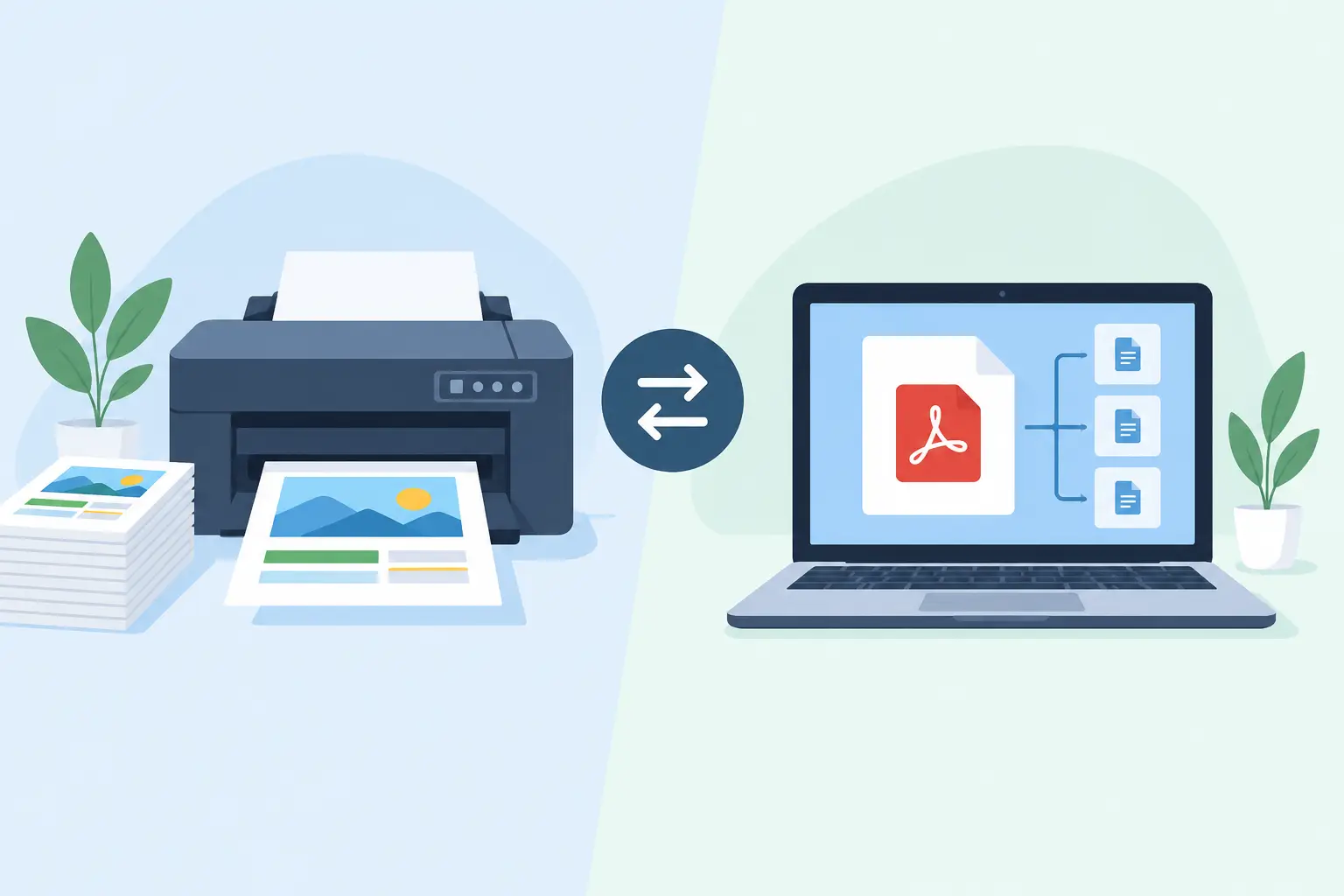
A warehouse associate scans an order, expects a shipping label, and waits. If the workflow first generates a PDF, opens a browser print dialog, selects the correct device, and depends on local print settings, those few seconds can turn into misprints, duplicate labels, and packing-line delays. The choice between direct printing versus PDF workflows is therefore not a formatting preference. It is an operational architecture decision.
For occasional office documents, PDFs are familiar and useful. For high-volume thermal labels tied to inventory, fulfillment, production, or retail activity, direct printer communication usually provides more predictable execution. The right answer still depends on the label, the printer fleet, the business system, and the level of control your operation requires.
What Changes Between Direct Printing and PDF Workflows?
A PDF workflow creates a visual document first. An application generates a PDF, often based on an HTML template or reporting engine, then passes it through a browser, operating system, printer driver, and print spooler. Each layer translates the document before the thermal printer produces a label.
Direct printing takes a different path. The business system sends label data and printer instructions to a local print bridge or connected printer. For compatible thermal devices, those instructions can use native printer languages such as ZPL or TSPL. Rather than asking a general-purpose document pipeline to interpret a page, the workflow tells the printer where to place text, barcodes, graphics, and serial data.
That distinction matters because thermal labels are not ordinary documents. A four-by-six shipping label, a two-inch product label, and a small bin tag have fixed physical dimensions, printer-specific print densities, barcode scan requirements, and fast production expectations. Native commands let the workflow work with those conditions directly.
Direct Printing Versus PDF Workflows in Daily Operations
PDF workflows are often adopted because they are easy to understand. A team can preview the output, save it for records, email it, and print it from nearly any computer. For low-volume labels, internal approvals, invoices, packing slips, or labels that need a polished page layout, this can be entirely appropriate.
The trade-off appears when the PDF becomes the only way to reach a thermal printer. Browser margins, driver defaults, scaling behavior, paper-size mismatches, and user-selected destinations can change the output. A label designed for 4 by 6 inches may be scaled, clipped, rotated, or sent to an office printer. Even when it prints correctly, the processing overhead can slow a workflow that needs to release hundreds or thousands of labels in batches.
Direct printing reduces the number of transformations between the source system and the printer. A Shopify fulfillment event, Odoo warehouse action, spreadsheet import, or custom application can send the relevant variables to a label template and route the completed job to the intended device. The printer receives instructions designed for its media size and command language.
This generally improves consistency, but it does not remove the need for setup discipline. The selected printer still needs the correct media, calibration, darkness setting, resolution, and network or local connection. Direct printing makes those variables more controllable. It cannot compensate for an incorrectly loaded roll or a printer that is offline.
Where PDF Workflows Still Make Sense
Replacing every PDF workflow is rarely necessary. PDFs remain valuable when the printed artifact must be reviewed, archived, shared outside the operation, or reproduced identically across a broad mix of standard office printers. They also suit workflows where the label is only one part of a multipage document.
A PDF can be the better choice for a quality-control sheet, a customer-facing return document, or a combined pick list and packing document. It is also useful during template approval, because a visual proof makes layout issues easy to spot before deployment.
The concern is not that PDFs are unreliable by definition. The concern is using a document-oriented workflow for a real-time device operation that needs repeatable routing and minimal human intervention. If a packer must interact with a dialog box for every label, the process has already exposed a bottleneck.
Why Native Printer Commands Improve Label Control
ZPL and TSPL give operations and software teams a direct way to define label behavior. A template can specify barcode symbology, module width, text placement, rotation, print quantity, and media dimensions without relying on a browser rendering engine to make final decisions.
This is particularly useful for labels with scan-critical barcodes. PDF rendering can introduce scaling or rasterization changes that are visually subtle but affect barcode quality. Native commands allow the barcode to be produced according to the printer’s capabilities and configured resolution.
Direct command workflows also handle variable data efficiently. Instead of generating a separate heavy document for every SKU, serial number, or order, an application can merge data into a printer-ready template. For batch runs from Excel or CSV files, that can mean a more direct path from rows of data to physical labels.
International operations need another layer of control. Product names, addresses, and compliance text may include accented characters, Asian scripts, or other non-English content. A PDF may display a font correctly on screen but fail later because of a local driver or font-substitution issue. A direct printing workflow should explicitly account for printer-supported fonts, character encoding, and downloaded graphic or font assets. Testing with real production data is essential.
Reliability Is About More Than Print Speed
The strongest argument for direct printing is not simply that it can be faster. It is that it gives teams a cleaner way to manage routing, standardization, and exceptions.
Consider a business with separate printers for receiving, pick-and-pack, outbound shipping, and retail shelf labels. In a PDF-driven model, users may have to choose a printer manually or depend on workstation defaults. In a direct model, the workflow can route labels by location, user role, event type, or device assignment. A shipping event goes to the shipping printer. A replenishment task goes to the floor printer. The user does not need to interpret a printer list under pressure.
That architecture also supports clearer troubleshooting. Teams can identify whether a failure occurred in the business application, the cloud print service, the local connector, the network, or the printer itself. With a browser-based PDF process, those layers can be harder to separate because browser permissions, local dialogs, and driver behavior sit in the middle.
A local bridge is often the practical component that connects cloud applications to printers inside a warehouse or store network. TopSale uses TopBridge for this purpose, allowing cloud-based label workflows to reach local or network-connected thermal printers without requiring a dedicated IoT print box. That approach preserves centralized template and integration management while keeping print execution close to the device.
The Trade-Offs to Plan For
Direct printing requires compatibility planning. Your printer fleet may include Zebra, TSC, Xprinter, Brother, or mixed models with different command support, firmware versions, resolutions, and connectivity options. Standardizing devices where possible reduces operational variation. Where standardization is not possible, test each template against each supported model.
Template governance also matters. A native printer template is operational infrastructure, not just artwork. Changes to barcode position, label dimensions, encoding, or print density should be versioned and tested before release. This is especially true for regulated products, shipping labels, serialized inventory, and labels used by downstream scanning systems.
PDF workflows have their own hidden maintenance costs: driver updates, browser changes, scaling defaults, workstation configuration, and training users not to select the wrong destination. Direct printing moves some responsibility into the print platform and integration layer, but it replaces repeated user decisions with centrally managed rules. For most high-volume operations, that is a favorable trade.
How to Choose the Right Workflow
Start with the consequence of a bad print. If a delayed or misrouted label stops an order from shipping, creates inventory errors, or forces relabeling on the floor, direct printing should be the default. If the document is reviewed, shared, or printed occasionally on standard office equipment, a PDF may be sufficient.
Next, assess volume and repeatability. A few labels each week do not justify complex automation. Hundreds of labels a day, multiple workstations, batch data, or event-driven printing usually do. The more labels your team produces, the more costly manual printer selection and document rendering become.
Finally, map the full path from system event to printed label. Identify the source of truth, template owner, print destination, local connectivity method, printer language, fallback process, and monitoring responsibility. A workflow is only dependable when those decisions are explicit.
Build for the Work That Happens at the Printer
The best print architecture respects the reality of the production floor. People are moving orders, receiving stock, replenishing bins, and resolving exceptions. They should not have to become experts in browser dialogs, driver settings, or label scaling to get a usable barcode.
Use PDFs where visual documents and archival records are the goal. Use direct printing where a business event needs to become a correct physical label with as little interpretation as possible. When the print path is designed around the actual device, the label stops being a final administrative step and becomes a dependable part of the operation.