
How to Print Barcode Labels Online: Step-by-Step Guide
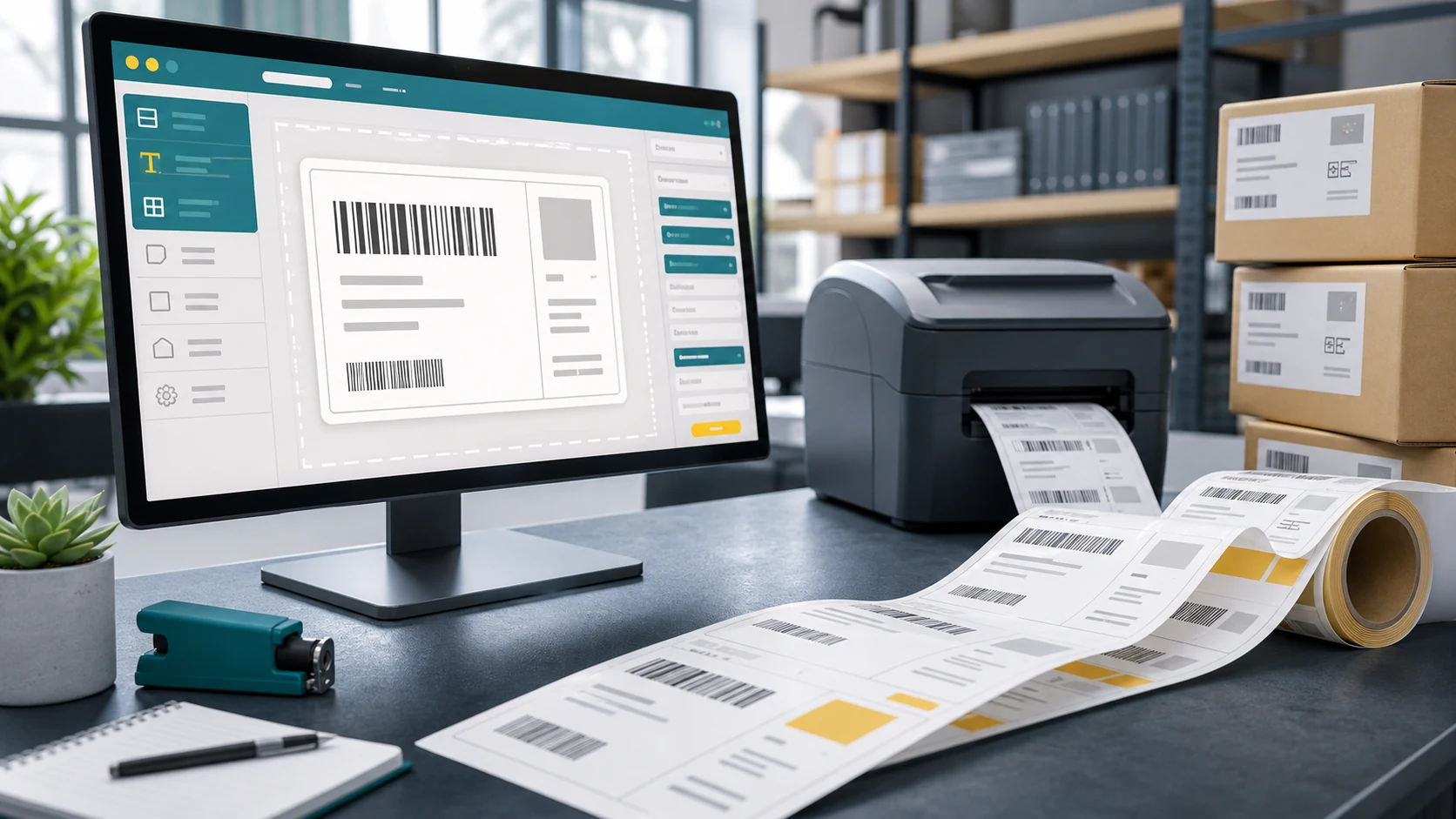
Printing barcode labels online can be much faster when you use a browser-based workflow. In this guide, we’ll show you how to create barcode labels, import product data, connect a supported thermal printer, and print labels using TopSale.
How does barcode label printing software work?
Barcode label software lets you design barcode labels, generate barcodes, and print them — either one at a time or in bulk. TOPSALE provides browser-based label printing software that helps teams create labels online, import variable data, and print through supported thermal printers. It’s label printing software designed for teams who need to move fast.
Design labels online with the TOPSALE label designer
The TOPSALE Cloud Label Editor is a browser-based label design software that works as a barcode label maker online. Use the drag-and-drop label designer to:
- Design labels from scratch or start from a saved template
- Create barcode label designs — Code 128, QR Code, EAN-13, and more
- Use the built-in barcode label generator to preview barcodes in real time
- Add dynamic fields that pull data from your spreadsheet
As an online label maker, TOPSALE lets you design labels from any device with a browser. It’s the label creator that eliminates the need for dedicated desktop label design software.
Print barcode labels online from Excel
TOPSALE’s Excel Datasource feature is the fastest way to print barcode labels online in bulk. Upload your .xlsx or .csv file, and TOPSALE’s label barcode generator automatically maps your spreadsheet columns to template fields.
Need to print 500 unique shipping labels? Upload your order list and hit Print. This makes TOPSALE suitable for logistics teams that need to create and print large batches of barcode labels from spreadsheet data.
Connect any label printer — TSPL, ZPL, and beyond
Unlike basic online label maker tools limited to home printers, TOPSALE connects to professional industrial label printers via TopBridge. This makes it a complete barcode label software solution for businesses running TSC, Zebra, Citizen, or Godex printers.
The best label printing software for your workflow
Whether you need to print a small batch or manage larger barcode-label workflows, TOPSALE supports cloud-based design, spreadsheet data import, Odoo integration and thermal printer connectivity. Learn more about TOPSALE’s complete label printing software workflow or start creating labels through the self-service platform.As a label generator with barcode support built in, it handles Code 128, QR Code, EAN-13, DataMatrix, and more. The barcode label generator, free from desktop dependencies, scales from a single user to a full enterprise team. It’s the cloud label printing software that works wherever you do.
Need a step-by-step walkthrough? Read our guide to creating and printing barcode labels online.