
Ecommerce Label Printing Automation That Scales
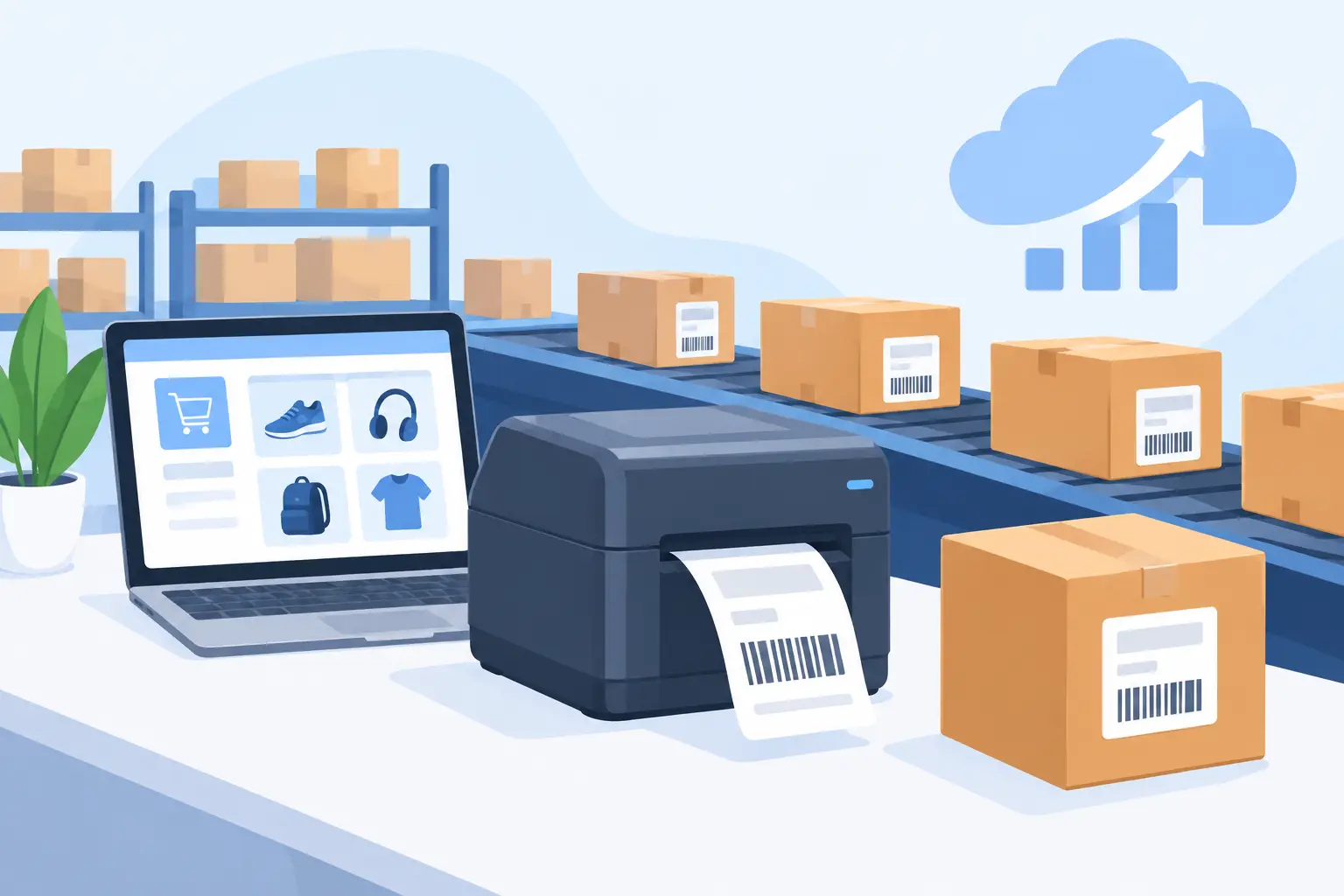
A packed order is not complete when the payment clears. It is complete when the correct shipping, product, return, or compliance label is printed, applied, and scanned without holding up the next order. Ecommerce label printing automation turns that last operational handoff from a manual task into a controlled workflow.
For growing ecommerce teams, the problem is rarely the label itself. The problem is the gap between an order system in the cloud and a thermal printer on a packing bench. Staff export files, select printers, copy addresses, adjust templates, and reprint labels when formatting fails. Those small interruptions multiply quickly when order volume rises, a second warehouse opens, or product labeling requirements become more complex.
What Ecommerce Label Printing Automation Should Do
Automation should do more than create a label image. It should move approved data from the system that runs the order into the correct label template, route the job to an available local or network printer, and provide a reliable outcome for the person packing the shipment.
That can mean printing a shipping label as an order reaches a fulfillment status. It can mean producing a product barcode label when inventory is received, a carton label when a pick wave is released, or a return label when a customer service case is approved. The trigger changes by workflow, but the requirement stays the same: the label must be accurate, readable, and available where work happens.
A practical automated workflow connects five components: the source system, the label template, the data mapping, the print bridge, and the thermal printer. If one component is handled manually, teams still carry avoidable risk. For example, a well-designed template does not help if users must download a PDF and choose a printer for every batch.
The Cloud-to-Printer Gap Is the Real Constraint
Most ecommerce platforms are cloud applications. Most label printers are physically connected to a workstation, a local network, or a warehouse VLAN. Browsers are intentionally restricted from directly controlling local hardware, which is good for security but creates a practical printing problem.
Some businesses try to solve that problem with dedicated print appliances or IoT boxes. These devices can work, but they introduce another piece of hardware to purchase, configure, patch, replace, and support at every location. They may be reasonable in a highly standardized enterprise environment, but they are often more infrastructure than a growing operation needs.
A desktop print bridge offers a more direct approach. It runs on a workstation or local server with access to the printer, receives print jobs from the cloud, and sends them to the local or network-connected device in real time. With TopSale, TopBridge fills this role without requiring a separate IoT print box. The browser-based platform manages templates and workflow data while the local application handles the final connection to the printer.
This architecture is especially useful when teams need to print from multiple workstations, support remote warehouses, or keep their core ecommerce and ERP systems cloud-based. The operational goal is not simply remote printing. It is dependable printing at the exact point where inventory is handled.
Start With the Labels That Create the Most Friction
Do not automate every label process at once. Start with the print jobs that are frequent, time-sensitive, or most likely to cause shipment and inventory errors. For many ecommerce operations, that is the shipping label. For a seller that relabels inbound stock, it may be item barcodes and shelf labels instead.
Look for workflows with clear triggers and predictable data. Good early candidates include:
- Shipping labels created when orders are ready to fulfill
- Product barcode labels printed from receiving records or inventory imports
- Pick, tote, carton, and pallet labels generated from warehouse waves
- Return labels created from approved return requests
The first implementation should establish trust. If a packer sees the correct label print automatically at the correct station, the workflow earns adoption quickly. Once that foundation is stable, adjacent label types can use the same templates, printer connections, and governance model.
Define the Print Trigger Before Designing the Template
A label can look correct and still print at the wrong time. Define the business event first. An order status change, carrier rate selection, fulfillment batch release, or inventory receipt can all serve as triggers. Choose the event that indicates the label data is final enough to print.
Printing too early creates waste. A shipping label printed before the address is validated or the carrier service is confirmed may need to be voided and replaced. Printing too late creates queues at the packing station. The right trigger depends on the process, not on what the software can technically detect.
Also define what happens when a job fails. The team needs a clear reprint path and visibility into which order, template, printer, and data set were involved. Automation without recoverability merely moves the troubleshooting burden downstream.
Build Templates for Scan Accuracy, Not Screen Appearance
Thermal labels are operational documents. A barcode that looks acceptable in a browser preview can fail after printing if it is too small, poorly positioned, clipped, or paired with unsuitable printer settings. Template design needs to reflect the actual label dimensions, printer resolution, label stock, and scanning conditions.
Use the correct barcode symbology for the workflow. Code 128 is common for internal inventory identifiers, while GS1 formats may be required for retail or supply-chain applications. QR codes can carry more data in a compact area, but they are not a substitute for a linear barcode when downstream systems or scanners expect one.
Keep human-readable information close to the barcode when workers need to verify it. A SKU, item name, order number, or location code can prevent a costly mistake when a label is damaged or a scan fails. At the same time, avoid cramming every available field onto a small label. More data can make a label less usable.
Template variables should come from structured fields rather than copied text. Map order numbers, SKUs, quantities, addresses, dates, lot codes, and carrier services directly from the source record. This reduces manual entry and makes batch printing from Excel or CSV a controlled process rather than a repeated formatting exercise.
Treat Printer Compatibility and Encoding as Production Requirements
Printer support is where many label projects become unexpectedly difficult. A template may work with one device but fail on another due to command language, resolution, media calibration, or font behavior. Operations teams should verify the exact printer models used at each location, not just the manufacturer name.
Direct support for common thermal printer languages such as TSPL and ZPL helps preserve barcode quality and print speed. It also reduces dependence on generic operating-system print paths that can alter sizing or rasterize content. Businesses using TSC, Zebra, Xprinter, Brother, or mixed printer fleets should test output on representative devices before rolling out across sites.
Character encoding deserves the same attention. International addresses, product names, and customer data may contain accented characters, Asian scripts, Arabic text, or other non-English characters. If the printer, template, and data source do not use compatible encoding, labels can print with missing glyphs or unreadable symbols. That is not a cosmetic issue when an address or product identifier is affected.
Run physical tests with the longest addresses, special characters, largest barcodes, and smallest label sizes you expect to encounter. Scan the result using the devices workers actually use. A successful on-screen preview is only the first check.
Make Automation Observable and Easy to Operate
The best print workflow does not require staff to understand print protocols or browser permissions. It gives them a simple operational path: the order reaches the right status, the label prints at the assigned station, and a reprint is available when needed.
For managers and IT teams, visibility matters. They should be able to identify whether a problem came from missing source data, an invalid template field, a disconnected bridge application, a paused printer, or a media issue. These failures require different owners and different fixes.
Standardize printer names and station assignments across locations. A label job sent to “Zebra-2” is difficult to support if every warehouse uses a different informal naming convention. Names such as “Dallas-Pack-01” or “Returns-Station-02” make routing, troubleshooting, and onboarding clearer.
Access controls also matter. Warehouse users may need permission to print and reprint approved jobs, while template editing and integration changes should be limited to designated administrators. This protects production workflows from accidental layout changes while allowing teams to move quickly during daily operations.
Scale the Workflow Without Rebuilding It
A well-designed label automation workflow can grow from one packing station to multiple warehouses, marketplaces, and business systems. The key is to keep label design, data mapping, and printer connectivity modular. The template should not need to know whether its data originated in Shopify, Odoo, a warehouse system, or an uploaded spreadsheet. It needs consistent fields and a defined print event.
There are trade-offs. Centralized templates improve control, but local teams may need limited flexibility for regional carrier requirements or label stock. Direct printer-language output improves performance, but it requires thoughtful model testing. Fully automatic printing is fast, but some high-value or exception-heavy orders may deserve a review step before labels are released.
The right level of automation is the one that removes repetitive decisions without hiding meaningful operational exceptions. When labels become a dependable extension of order and inventory workflows, the packing bench stops being a manual data-entry point and becomes what it should be: a fast, accurate execution point.