
Shipping Label Software That Prints Where Work Happens
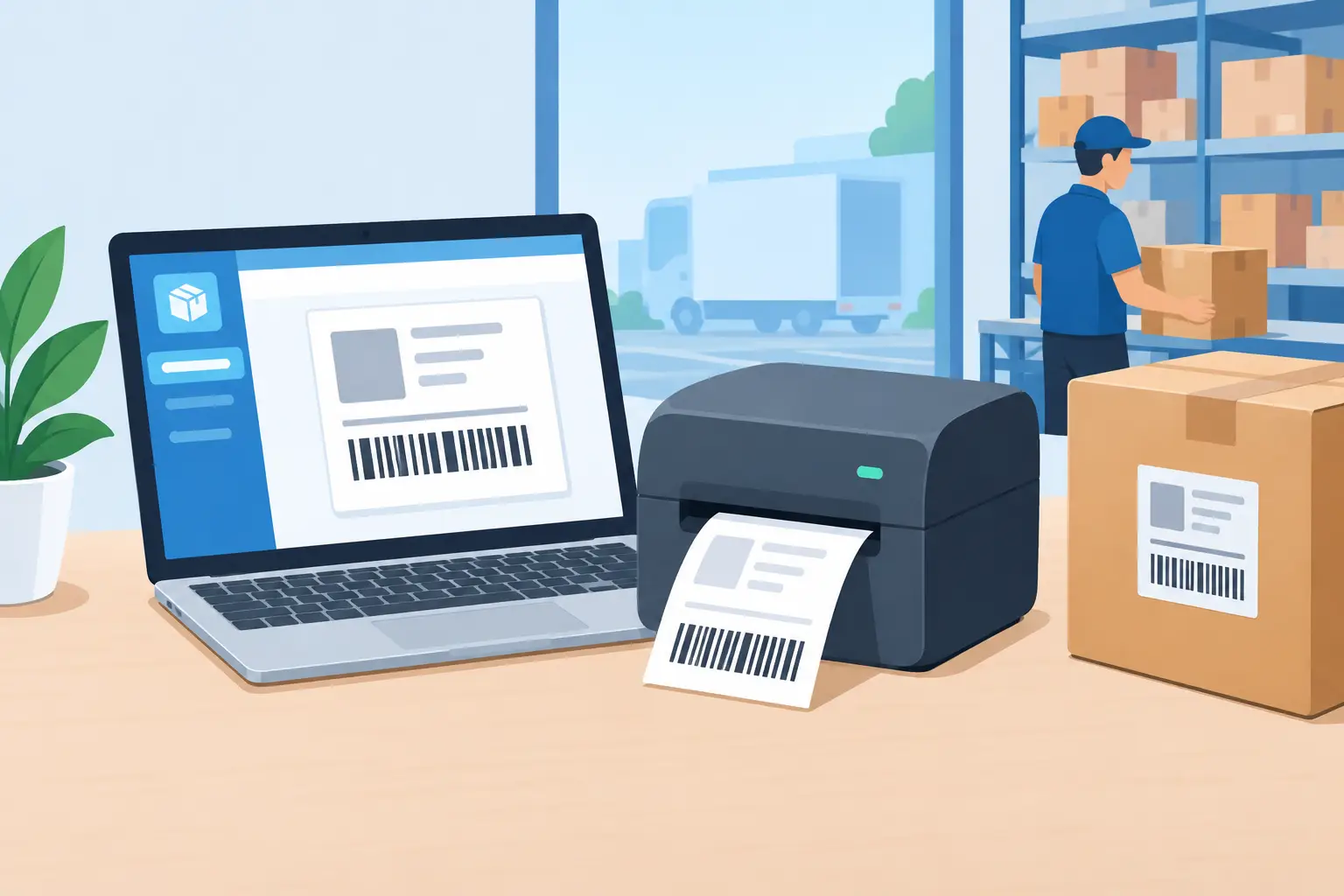
A shipping label is often the last operational checkpoint before an order leaves the building. If the address is wrong, the barcode will not scan, or the printer cannot be reached from a cloud-based system, the delay is immediate. Packing stations stop, customer-service tickets rise, and staff fall back to retyping data or printing from the wrong device.
Shipping label software should prevent that chain reaction. The right platform does more than generate a carrier label on screen. It connects order data, label layouts, business systems, and the thermal printers that teams use on the warehouse floor, at retail counters, and in dispatch areas.
What shipping label software needs to solve
For a small operation, printing a few labels from a carrier portal may be enough. Once volume increases, that approach creates avoidable work. Teams begin switching between systems, copying addresses, downloading files, selecting printers manually, and troubleshooting labels that are formatted for the wrong stock size.
Effective shipping label software centralizes the process. It should accept data from the systems already running the business, apply a controlled label template, and send the finished output to the appropriate local or network printer. That may mean printing a shipping label from Shopify, creating dispatch labels from an ERP, or producing hundreds of labels from an Excel or CSV file.
The difference matters because shipping labels are not just documents. They are operational data carried by a physical package. They need readable addresses, scannable barcodes, correct service details, and predictable print quality every time.
The cloud-to-printer gap is the real challenge
Most modern business systems live in the browser or the cloud. Most thermal printers do not. A Zebra, TSC, Xprinter, or Brother printer may be connected by USB, Ethernet, or Wi-Fi inside a warehouse that the cloud application cannot directly access.
This is why many teams add a dedicated IoT print box or maintain a workstation with a complicated local setup. That can work, but it introduces more hardware to purchase, configure, monitor, replace, and secure. If the box loses its network connection or the workstation is unavailable, printing stops.
A better architecture uses a lightweight desktop bridge to connect cloud workflows with local printers in real time. The browser sends a print job to the bridge application, which identifies the available local or network printer and submits the job using the correct printer language. The user keeps working in the browser, while the printer remains where the operation needs it.
TopSale uses this model through TopBridge, removing the need for an additional IoT box while keeping cloud-based printing practical for local devices. For operations teams, the benefit is straightforward: fewer moving parts between an approved label template and a printed label at the packing bench.
Choose software around the workflow, not the template
A label editor is essential, but design is only one part of the decision. The more useful question is: what triggers a label, what data belongs on it, and which printer should receive it?
Order-driven shipping workflows
Ecommerce teams typically need labels to follow an order event. An order is paid, picked, packed, or marked ready to ship, and the label should be available without re-entering customer details. Integration with ecommerce platforms and order-management tools reduces duplicate entry and makes the shipping process more consistent.
The precise setup depends on the carrier workflow. Some businesses need carrier-generated labels with tracking and service data. Others need operational shipping labels that identify the order, route, carton, destination, or handling requirement before the carrier label is applied. Good software should support both use cases without forcing teams into separate design and print tools.
ERP and warehouse workflows
In ERP-driven environments, shipping labels may be tied to sales orders, deliveries, transfer orders, production batches, or locations. The label often needs more than a recipient address. It may include order numbers, product details, warehouse zones, serialized barcodes, and internal routing instructions.
The key requirement is reliable field mapping. If a warehouse changes a label format, the update should happen in a controlled template, not through manual edits on individual computers. Integrations such as Odoo support this kind of repeatable output, especially when teams need to print from the transaction screen that already drives fulfillment.
Spreadsheet and batch workflows
Not every operation has a fully integrated system. Importers, manufacturers, event teams, and growing warehouses often receive shipping data in Excel or CSV files. In those cases, batch printing is the practical bridge between manual work and full automation.
The software should let users map columns to label fields, validate the data, and print many labels from one template. That process is especially useful for seasonal shipping runs, bulk transfers, supplier shipments, and one-time campaigns. It is not a replacement for integration at high volume, but it can remove substantial retyping immediately.
Printer compatibility is an operational requirement
A shipping label is only useful if it prints correctly on the device installed at the point of work. Compatibility should cover more than a brand name on a product page. Teams need to know whether the software can use their printer connection, label size, print density, and native command language.
Many thermal printers use TSPL or ZPL. Direct support for these protocols can improve speed and output consistency because the printer receives commands it understands rather than a generic document that must be interpreted by another layer. This is particularly relevant for high-volume barcode labels, where clarity and scan reliability are non-negotiable.
Before selecting a platform, confirm the practical details:
- Whether it supports the printer models already deployed across sites
- Whether USB, network, and shared-printer connections are supported
- Whether it can print to the required label dimensions and media type
- Whether it works with the printer protocol used by the device
A platform with broad device support gives IT teams more flexibility. It also prevents operations from being locked into a single printer vendor when a site expands, replaces aging hardware, or needs a different form factor.
Barcode quality and character encoding cannot be afterthoughts
Shipping labels depend on machine readability. A barcode that looks acceptable on screen but scans poorly in the warehouse or at a carrier handoff creates expensive exceptions. Label software needs controlled barcode generation, appropriate sizing, and output that preserves sharp edges on thermal stock.
International operations add another layer. Names, addresses, and product descriptions may include accented characters, Chinese, Japanese, Korean, Arabic, or other non-Latin scripts. If the printer, template, and software do not handle character encoding correctly, the label can print with missing characters, question marks, or unreadable text.
This is not only a presentation issue. Incorrect address text can result in failed delivery, manual carrier intervention, or a customer receiving an order late. Businesses shipping across regions should test real address data on the actual printers used in each location, not only in a browser preview.
Build for exception handling, not just the happy path
The best shipping process assumes something will eventually go wrong: a printer runs out of labels, a user sends output to the wrong station, a template changes, or an order contains unexpected characters. Software should make these events easier to identify and resolve.
Start with clear printer naming. A user should see meaningful destinations such as “Dock 2 Zebra” or “Returns Station,” not a vague system-generated device name. Assigning printers by workstation, warehouse, or workflow also reduces accidental output to another department.
Then establish template ownership. Operations may define what must appear on the label, while IT or an administrator controls approved templates and data mappings. This keeps local edits from creating inconsistent labels across shifts or sites.
Finally, test the full path after any significant change. Create a real order, generate the label, print it on production stock, scan the barcode, and verify the data. A five-minute test is cheaper than discovering a formatting error after a hundred packages are packed.
When to use integrations, batch printing, or an SDK
There is no single implementation model for every team. A Shopify store shipping daily should prioritize an order-based integration. A warehouse using Odoo should print from delivery and inventory workflows. A business receiving structured files from customers may get immediate value from Excel or CSV batch printing.
For software teams, an SDK can be the right route. Embedding label design and print actions into an existing application gives users a consistent workflow without asking them to export files or open another tool. The trade-off is that SDK projects require development ownership, testing, and a clear approach to printer selection at each customer site.
Start with the workflow causing the most manual effort or print failures. Automate that path first, then expand. A dependable shipping label process is built through repeatable improvements, not a large rollout that ignores how work happens at the printer.