
TSPL Printing Software for Reliable Label Output
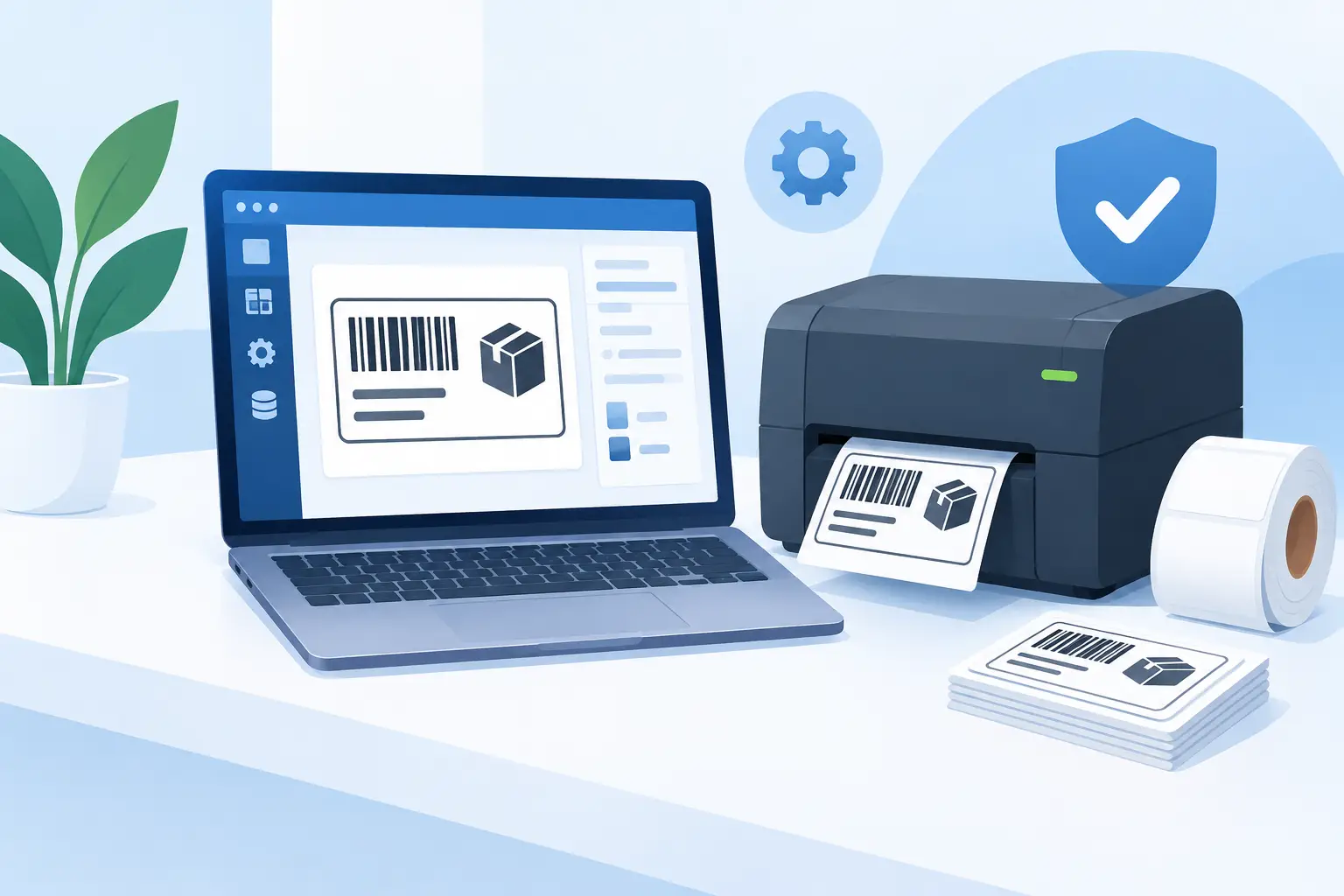
A label that prints correctly at a desk but fails at a packing station can stop fulfillment just as effectively as a missing product scan. TSPL printing software gives operations teams a practical way to control how thermal labels are designed, populated, and sent to compatible printers, whether the job starts in an ERP, ecommerce platform, spreadsheet, or browser.
For teams running TSC, Xprinter, and other TSPL-compatible devices, the goal is not simply to produce labels. It is to create a dependable path from business data to the correct local printer, with the right dimensions, barcode settings, language characters, and print volume every time.
What TSPL Printing Software Does
TSPL stands for TSC Printer Language, a command language used by many thermal label printers. A TSPL command file tells a printer what to do: set the label size, position text, generate a barcode, print a QR code, adjust density, and complete a specified number of copies.
TSPL printing software sits above those commands. Rather than requiring warehouse staff or developers to manually assemble printer instructions for every label, the software provides a usable workflow for designing templates, mapping business data, selecting printers, and sending print jobs. The right platform still gives technical teams access to protocol-level control when they need it, but routine printing should not depend on someone editing raw command strings.
That distinction matters in active operations. A warehouse may need shipping labels from an order system, bin labels for a replenishment project, product labels from a CSV file, and multilingual compliance labels for exported inventory. These jobs have different data sources, but they need the same outcome: predictable physical output at the point of work.
Where TSPL Workflows Commonly Break
The printer itself is rarely the only issue. Most labeling problems occur in the gap between cloud software and a local device. A browser can create a print request, but it generally cannot directly control a USB-connected thermal printer on a worker’s computer. Cloud-based systems also need a safe, reliable way to route jobs to the correct site and device.
Manual workarounds introduce more risk. Teams may download a file, open a separate application, select a printer, and print one label at a time. That approach can be acceptable for occasional office use. It becomes costly when operators print hundreds of SKU labels, fulfillment labels, or serialized asset tags each day.
Character encoding is another frequent source of failures. A label may appear correct in a browser but print unreadable characters for Chinese, Japanese, Korean, Arabic, accented European languages, or other non-English data. The template, font, data source, printer language, and printer configuration must work together. Printing software should account for that path rather than leaving operators to troubleshoot symbols and blank fields under time pressure.
Printer differences also matter. TSPL is widely supported, but devices vary in print width, DPI, available memory, sensor behavior, and supported features. A 4-inch shipping label template is not automatically suitable for a small product-label printer. Reliable software makes device selection and label calibration part of the setup, not an afterthought.
What to Look for in TSPL Printing Software
A useful platform should reduce operational steps without hiding the details that IT and developers need to manage. Start with template control. Business users need a browser-based editor that can place text, images, barcodes, QR codes, lines, and dynamic fields without installing design software on every workstation. The template should be reusable, versioned through normal operational processes, and sized for the actual media in the printer.
Next, look at data handling. A label design is only as useful as the data it receives. For nontechnical teams, Excel and CSV batch printing is often the fastest path to a completed labeling project. A column such as SKU, item name, lot number, location, or price should map directly to a field on the label. This reduces retyping and makes large label runs repeatable.
For connected operations, integrations are more valuable than imports. Shopify orders, Odoo records, warehouse events, and custom applications should be able to trigger label output with the relevant data already attached. That removes the delay between a business event and the printed label, while reducing errors caused by copying values between systems.
Finally, evaluate local printer connectivity. A cloud service needs a lightweight desktop component that receives authorized print jobs and sends them to the locally connected or network-accessible thermal printer. This is a more practical architecture than deploying a dedicated IoT box at every location. It avoids additional hardware purchase, configuration, replacement, and network maintenance while keeping print execution close to the device.
A Practical TSPL Printing Setup
A good setup begins by defining the label’s operational purpose. A carton label, shelf label, product label, and carrier label may all use thermal printing, but they need different content, sizes, and scan behavior. Confirm the media width and height, printer DPI, label gap or black-mark sensing method, and the barcode symbology required by downstream scanners.
Create the template next. Keep variable information separate from fixed design elements. Your logo, handling symbols, border, and field captions can remain fixed, while order numbers, dates, SKU values, quantities, and barcodes are populated from the current record. This makes one template useful across thousands of print jobs.
Then connect the data source. For a one-time relabeling project, upload a clean CSV or spreadsheet with consistent headers. For ongoing workflows, configure the ERP, ecommerce platform, or internal application to pass the required values automatically. Validate every field with real sample data, especially long product names, leading-zero identifiers, special characters, and variable-length barcodes.
The final step is routing. Install the local printing application on the workstation or server that can reach the required printer. Pair the cloud workflow with the correct device, run a small test print, and confirm that orientation, margins, darkness, speed, and barcode scan quality match expectations. Once the route is proven, the same template can support scheduled batches or real-time print events.
Batch Printing Without Spreadsheet Chaos
Spreadsheet-driven printing is often underestimated. It is one of the fastest ways to create labels for cycle counts, new inventory arrivals, retail price changes, storage locations, or manufacturing lots. But it only works when the input file is governed.
Use a single approved template and a defined set of column names. If the field is called `ProductCode` in the template, avoid changing it to `Product Code` or `SKU Number` in each new file. Keep barcode values as text where leading zeros matter. Review blank cells before printing, because an empty field can leave a label technically valid but operationally useless.
For very large batches, print in controlled segments. A run of 20,000 labels may be appropriate, but it should be monitored for media changes, ribbon issues on thermal-transfer printers, and printer pauses. A small pilot batch can reveal a misplaced field or scanner problem before an entire roll of labels is wasted.
TSPL, ZPL, and Multi-Printer Environments
Many organizations operate mixed fleets. A warehouse may use TSC printers in receiving, Zebra devices at packing stations, and compact desktop printers in retail locations. TSPL is the right protocol for TSPL-compatible printers, while ZPL is common across Zebra environments.
The practical requirement is not choosing one protocol forever. It is using printing software that can support the protocols and device models already present, while giving teams a consistent way to design labels and initiate jobs. Standardizing the workflow is often more realistic than replacing every printer.
TopSale supports both TSPL and ZPL workflows, allowing businesses to keep cloud label design, data mapping, and browser-to-printer execution in one operating model. Its TopBridge desktop application connects cloud print requests to local or network-connected printers without introducing a separate IoT print box.
When Raw TSPL Commands Still Make Sense
There are cases where direct TSPL generation is appropriate. Developers building specialized manufacturing stations, embedded workflows, or high-volume application logic may need exact control of commands, printer settings, and response handling. An SDK or API-based print layer can provide that control while avoiding a custom printer-management project.
Even then, raw commands should be treated as production infrastructure. Test them against the real printer model, label stock, and scanner behavior. Document the DPI assumptions and character encoding. Build error handling for an offline printer, an empty label roll, or a disconnected workstation. The command language is straightforward; operating it reliably across sites requires more discipline.
A well-designed TSPL workflow should make the correct label the easiest label to print. When templates, data, local connectivity, and printer settings are aligned, teams spend less time chasing print failures and more time moving inventory, shipping orders, and keeping operations on schedule.