
Warehouse Label Printing That Keeps Work Moving
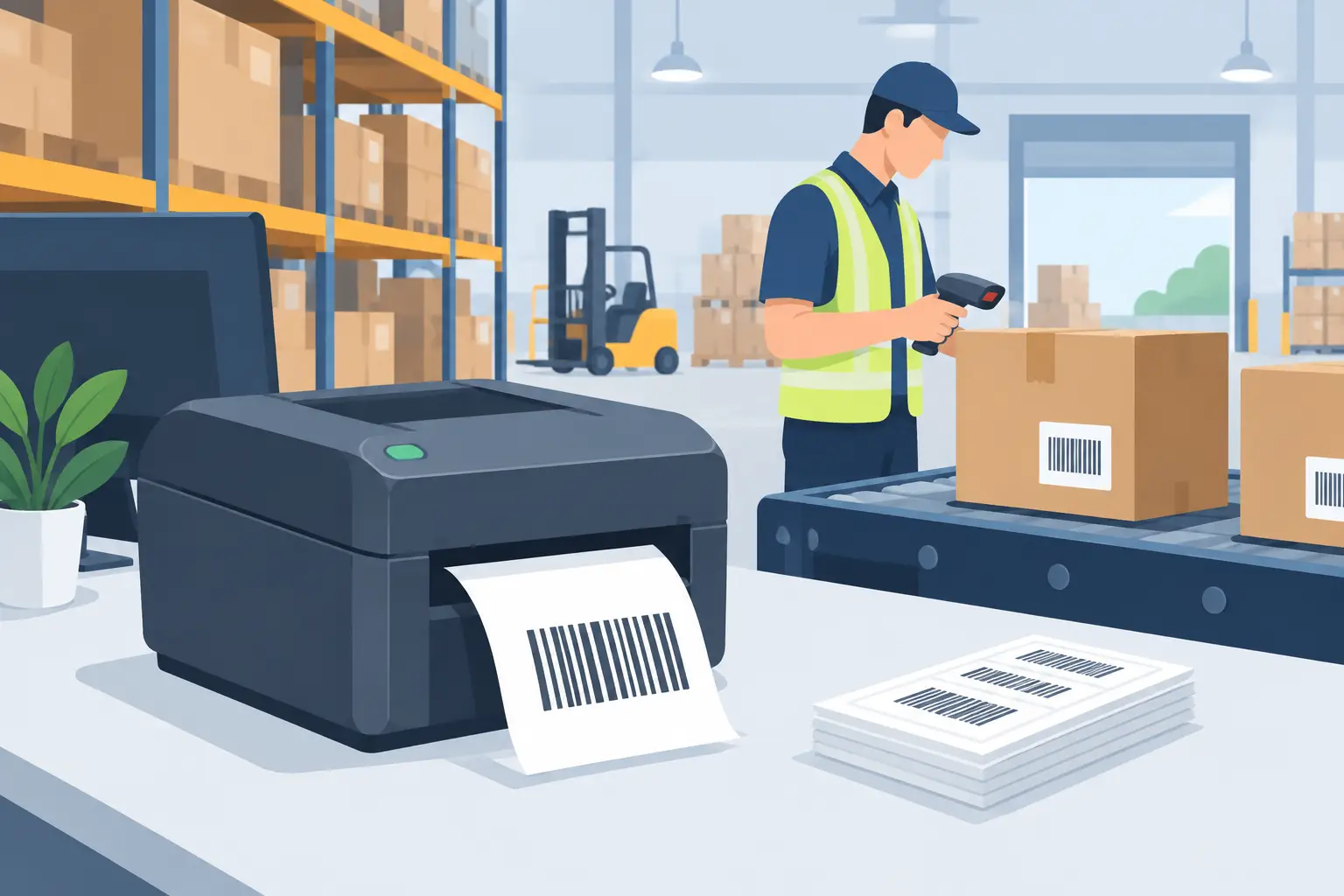
A label that prints late, scans poorly, or carries the wrong data does more than create a small warehouse inconvenience. It can stop a picker at the aisle, send the wrong carton to dispatch, complicate a stock count, or force a customer service team to investigate an avoidable shipment error. Effective warehouse label printing is therefore an operational workflow, not simply a printer task.
The goal is straightforward: the system that holds the business data should trigger the right label, in the right format, on the right local printer, at the moment work needs to happen. Getting there requires attention to data, label design, printer language, device connectivity, and exception handling.
Why warehouse labels fail in active operations
Most warehouse label problems begin before the print button is pressed. A team may be copying item details from a spreadsheet, working from an outdated template, or selecting a printer manually from a browser dialog. Each extra handoff introduces delay and creates another place for data to diverge.
A warehouse also uses more label types than many teams initially expect. Receiving labels identify incoming stock. Bin and pallet labels establish physical locations. Product and carton labels support picking and packing. Shipping labels pass carrier and destination data to the next step in the supply chain. Asset labels track equipment. The same workflow may require different label sizes, barcode symbologies, text density, and print darkness settings.
The practical issue is not whether a thermal printer can print these labels. It can. The issue is whether the printing process can reliably translate live operational data into a usable physical label without asking a user to reformat, download, re-upload, or rekey information.
Build warehouse label printing around the source of truth
The most reliable approach starts with the system already managing orders, inventory, products, or locations. That may be an ERP, warehouse management system, ecommerce platform, internal application, or controlled spreadsheet process. The label should inherit its variable data from that source rather than rely on manual entry.
For example, a receiving workflow may create a label when an operator confirms a purchase order line. The template can pull the SKU, product name, supplier code, quantity, lot number, and receiving date. A picker’s carton label can pull the order number, route, destination, and barcode from the fulfillment record. A bin-label project can use a CSV file to generate hundreds of location labels in one controlled batch.
This distinction matters because a label template is not the data source. It is the controlled layout that tells the system where each field belongs and how it should be encoded. Keep those responsibilities separate. When a product description changes in the ERP, the next printed label should reflect it without someone opening a design file to make a second update.
Use human-readable text and scannable data together
A barcode accelerates scanning, but warehouse teams still need readable information when a scanner is unavailable, a label is damaged, or an exception must be resolved at the dock. Include the minimum text needed for a person to identify and verify the item: usually a product name or SKU, quantity, location, order reference, and date or lot information where applicable.
Avoid packing too much text onto a small thermal label. Tiny fonts and dense barcodes may technically print, but they create slow scans and avoidable handling errors. If a label requires a long description, multiple compliance marks, and detailed instructions, test whether a larger format or a second label is more practical.
Match barcode format to the workflow
The best barcode format depends on what is being identified and which systems will scan it. Code 128 is widely used for alphanumeric warehouse identifiers. GS1-128 is appropriate when standardized application identifiers are required for logistics data. QR codes can hold more data in a compact area and can be useful for mobile workflows, but they are not automatically the best choice for every rack, carton, or product label.
Choose for compatibility first. Confirm that the scanners, customer requirements, carrier processes, and warehouse software all accept the format. Then test print quality on the actual label stock and printer model used on the floor.
Design for print conditions, not just screen appearance
A label editor can make a layout look correct on a monitor while hiding problems that appear at the printer. Thermal printers have different resolutions, media widths, sensor behavior, and supported command languages. Labels are also exposed to abrasion, cold storage, moisture, sunlight, and repeated handling.
Start by defining the physical constraints: label width and height, gap or black-mark media, print orientation, printer DPI, and whether the stock is direct thermal or thermal transfer. Direct thermal labels are convenient for short-lived shipping and picking tasks, but they can fade with heat and time. Thermal transfer printing adds ribbon and operating overhead, yet it is generally better for longer-life asset, shelf, and inventory labels.
Barcode placement also deserves deliberate testing. Keep quiet zones around the barcode, avoid placing critical scan areas across folds or curved carton edges, and use adequate contrast. A label that scans at a desk may fail after it is wrapped around a pallet corner or exposed to dock conditions.
Connect cloud workflows to local printers without adding friction
Cloud-based business systems are useful because teams can manage data and label designs from anywhere. Local thermal printers, however, sit on warehouse networks or connect directly to workstations. Browsers do not reliably provide the direct, unattended access needed for operational printing on their own.
That is why the connection layer matters. A local desktop bridge can receive a print request from the cloud and send it to an approved local or network-connected printer in real time. This lets an operator trigger a label from a browser workflow while the output arrives at the packing bench, receiving station, or shipping desk where work is happening.
The operational benefit is more than convenience. It avoids the recurring cost and maintenance burden of dedicated IoT print boxes, reduces printer-selection mistakes, and makes deployments easier to standardize across sites. TopSale uses its TopBridge desktop application to provide this cloud-to-local printer path without requiring an additional hardware appliance.
Standardize printer protocols before scaling
Many thermal printers support TSPL, ZPL, or both, but compatibility should be verified rather than assumed. Printer models can vary in supported commands, fonts, image handling, calibration behavior, and character encoding. A label that works correctly on one device may not produce the same result on another if the print language or configuration differs.
For multi-site operations, create a printer standard where possible. Document the approved models, label dimensions, DPI, protocol, driver configuration, and default darkness and speed settings. If different brands must coexist, use a platform that can manage their relevant protocols and test each production template on each supported device class.
International operations need one additional check: character encoding. Names, addresses, product descriptions, and compliance text may include accented letters, non-Latin scripts, or special symbols. Encoding failures can result in missing characters or unreadable substitutions on a label that otherwise appears correct in the source system. Test real multilingual data before deployment, not placeholder English text.
Use batch printing when the work is planned
Not every warehouse label should be generated one at a time. Planned work often benefits from controlled batches. Examples include new bin locations, annual asset audits, inbound pallet identification, price or SKU changes, and preprinted labels for a scheduled count.
Excel and CSV-based batch printing can be effective when the data is structured and a template maps each column to the correct field. The key is to treat the spreadsheet as controlled input, not an informal editing surface. Set required columns, use consistent identifier formats, remove duplicate rows, and review a small sample before releasing hundreds or thousands of labels.
A simple preflight process prevents waste:
- Confirm the selected template matches the label stock loaded in the printer.
- Validate barcode values for length, allowed characters, and required check digits.
- Print a small sample and scan it into the destination system.
- Confirm the correct printer, quantity, and site are selected before running the full batch.
These checks take minutes. Reprinting a facility’s worth of mislabeled bins can take days.
Measure reliability at the point of work
A successful deployment is not defined by whether a label printed once during setup. Measure whether warehouse users can produce accurate labels under normal volume and pressure. Track reprint rates, scan failures, time from transaction to printed output, printer downtime, and incidents caused by wrong label selection.
When an issue occurs, identify which layer failed. Was the transaction data incorrect? Did a template map the wrong field? Did a local bridge lose its connection? Was the printer out of media, miscalibrated, or assigned to another workstation? Clear ownership makes recovery faster and prevents IT, operations, and warehouse staff from sending the problem in circles.
Warehouse label printing works best when it fades into the background of the operation. A receiver confirms stock, a label appears. A packer completes an order, the carton label prints. A manager uploads an approved location file, and every bin is identified consistently. That is the standard to design for: physical labels that keep pace with the systems and people moving the warehouse forward.